

If you want an open source AI chatbot you can host and change yourself in 2026, start with Tock (Apache 2.0) or LibreChat (MIT): they're the only two of these seven that are fully open source and still actively developed, with new commits on GitHub in the past week. Tock is a full conversational AI platform that can answer from your documents; LibreChat is a self-hosted, ChatGPT-style chat app for whichever model you pick.
The other five come with a catch. Rasa Open Source is in maintenance mode, and today's Rasa runs on a free Developer Edition license capped at 1,000 external conversations a month. Botpress is now a cloud platform (free for 100 conversations a month) whose open source parts are its SDK, CLI and integrations. Typebot is fair source, not open source. And two are retired: Botkit was archived in September 2024, and Microsoft ended long-term support for the Bot Framework SDK in December 2025 in favor of the Microsoft 365 Agents SDK, which is MIT-licensed and active but only carries messages between channels, so you bring the AI yourself.
"Free" software is rarely free. Once you add developer salaries, hosting and upkeep, a self-hosted bot often costs more than a managed tool, and it can take months to go live.
If your real goal is to cut support tickets rather than run a framework, eesel is the managed route: it joins your helpdesk, learns from your past tickets, is tested on them before it replies, and costs from $299/month for 500 credits (1 credit per ticket or chat) with no per-seat fees. If a developer on your team works with an AI coding agent, it can use the eesel CLI to upload approved help articles and macros or ask test questions before go-live, though connecting the helpdesk still needs an admin's approval.
What are open source chatbot platforms?
An open source chatbot platform is a DIY kit for building a chatbot: its source code is public, so you can host it, read it and change it yourself.
In 2026 the label covers three different kinds of project, and most lists mix them up:
- Frameworks your developers write code against, like Rasa, Tock and Microsoft's Agents SDK.
- Visual builders where you draw the conversation, like Botpress, Typebot and Dify.
- AI chat apps you run for your own team, like LibreChat and Open WebUI, which put a ChatGPT-style window in front of whichever model you choose.
If you searched for an "open source AI chatbot", you probably want the third kind. If you need a bot that answers your customers, you want one of the first two.
This is a whole different world from the plug-and-play tools you might have seen, like the no-code AI chatbot tools most teams start with, or hosted options like a Crisp-style bot and a Facebook Messenger bot. A few things make open-source projects stand out:
-
You're the host. It's on you to deploy, run and maintain the chatbot on your own servers or cloud accounts (like AWS or Google Cloud). There's no company in the background handling all the technical stuff for you.
-
You can customize everything. And I mean everything. From the deep-down details of how the bot understands language (its natural language understanding, or NLU) to the hex code of the chat widget's color, you're in complete control.
-
It's a community effort. These projects are often powered by a global community of developers who add features, squash bugs and help each other out in forums and chat groups.
On the flip side, closed-source or SaaS (software as a service) platforms are managed completely by a vendor. You get a polished tool that's ready to go, but you have way less control over how it works under the hood.
Why choose open source chatbot platforms? The good and the bad
Open source buys you control, and you pay for it in developer time and upkeep instead of a license fee. So the real choice is control versus convenience.
The upsides of using open source chatbot platforms
-
You're in the driver's seat. This is the main attraction. If you can think of it, you can probably build it. You won't hit any walls set by a vendor on features, integrations or how you want conversations to flow.
-
Your data stays your data. All your customer conversations and data live on your own servers. For companies in sensitive fields like finance or healthcare with strict compliance rules, this is often a deal-breaker.
-
No being tied down. You aren't stuck in one company's ecosystem. You can change the platform however you like or move to another solution later without scrapping all your work.
-
The software can be cheaper (at first). The core code is usually free to download. This means you can avoid those monthly subscription fees.
The hidden costs and headaches of open source chatbot platforms
-
You'll need serious tech skills on your team. This isn't a weekend project for the marketing department. You need skilled developers who are comfortable with AI, natural language processing, server management and security.
-
It's a lot of work to set up and maintain. Getting the chatbot live is just the first step. You're on the hook for every single update, security patch and server meltdown. As you grow, this can easily become a full-time job for a whole team.
-
It takes a long time to see results. Building a solid, reliable chatbot from scratch can take months. While your team is busy coding, your customers are still waiting for answers, and you're not seeing any return on all that effort.
-
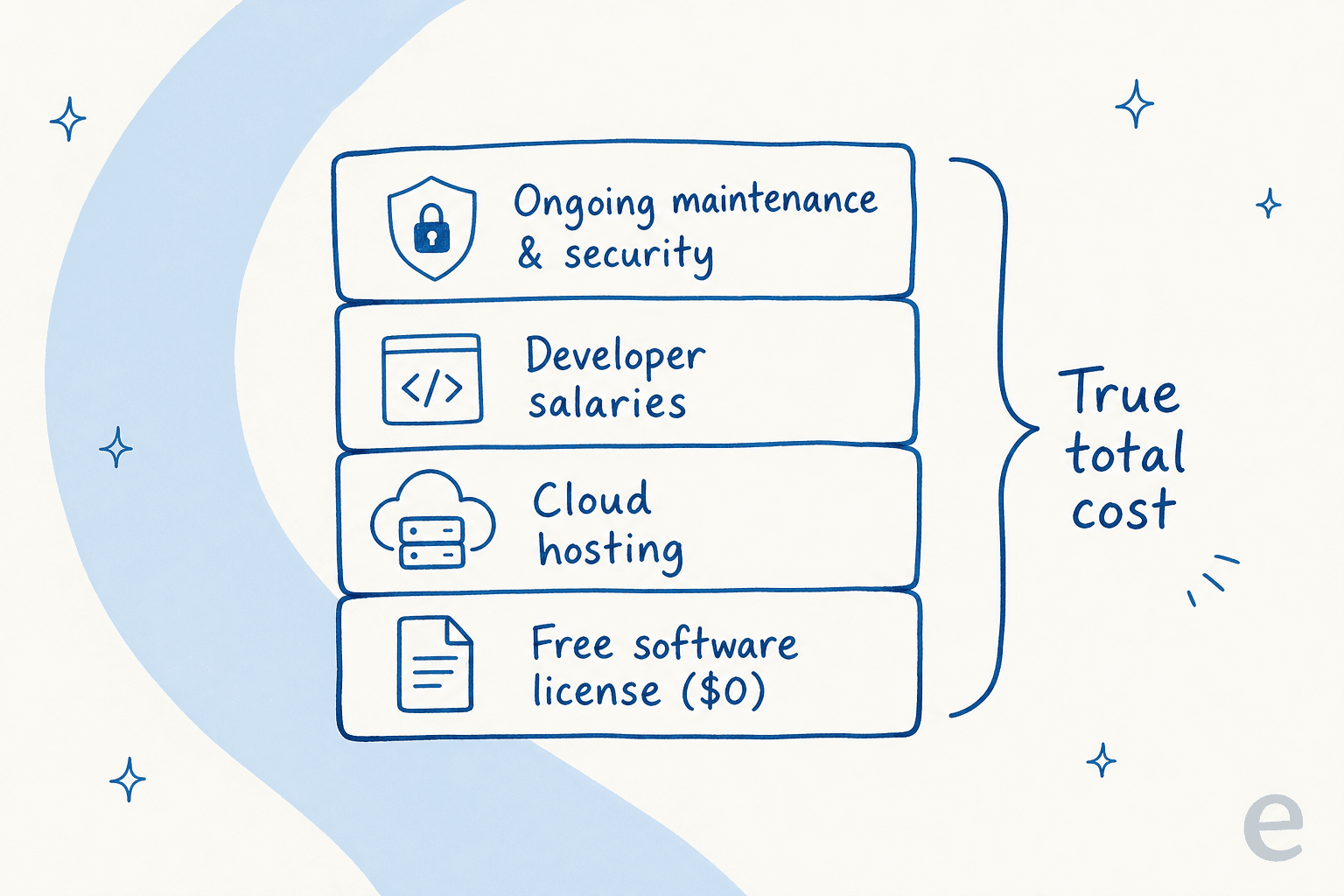
"Free" is rarely ever free. The software license might not cost a dime, but when you add up developer salaries, cloud hosting fees and ongoing maintenance, the total bill can quickly climb higher than a subscription for a managed AI chat platform.
How I picked the best open source chatbot platforms
To help you sort through all the options, I chose the platforms on this list based on what actually matters when you're building a bot from scratch.
I looked for a solid ability to understand human language (NLU), a good experience for the developers who have to build with it, and an active community for when you inevitably get stuck. I also considered flexibility: does it lock you into code, or does it offer visual tools to make life easier? Finally, I looked at whether the project is mature and well-supported.
This time I added two checks that matter more every year: the license (is it really open source, or just source you can read?) and whether anyone still maintains it. I read each project's GitHub repo, docs and pricing page on 25 November 2026, so every price, license and status below is from that day.
A quick comparison of the top open source chatbot platforms
Here's a bird's-eye view of the main contenders, with the two columns most lists skip: the license and whether the project is still alive.
| Platform | Best for | License | Status (Nov 2026) | Price | GitHub stars |
|---|---|---|---|---|---|
| Rasa | Code-first agents with strict business logic | Apache 2.0 for Rasa Open Source; current Rasa needs a license key | Open source repo in maintenance mode | Free Developer Edition up to 1,000 external conversations a month; Enterprise custom | 21.4k |
| Botpress | A visual builder with code, hosted for you | MIT for the SDK, CLI and integrations; AGPLv3 for legacy v12 | Cloud platform active; self-hosted v12 sunset, closed to new deployments | Free (100 conversations), Plus $150/mo, Team $750/mo, billed annually | 15.0k |
| Microsoft Bot Framework | Existing Azure and Teams bots | MIT | SDK retired December 2025, archived January 2026 | Standard channels free; premium $0.50 per 1,000 messages | 7.8k |
| LibreChat | A self-hosted ChatGPT-style app for any model | MIT | Active | Free; you pay model APIs and hosting | 47.5k |
| Typebot | Chat forms and lead capture | Functional Source License (fair source) | Active | Free (200 chats), Starter $39/mo, Pro $89/mo | 10.6k |
| Botkit | Maintaining an old bot only | MIT | Archived September 2024 | Free | 11.6k |
| Tock | Text and voice assistants with RAG | Apache 2.0 | Active | Free | 612 |
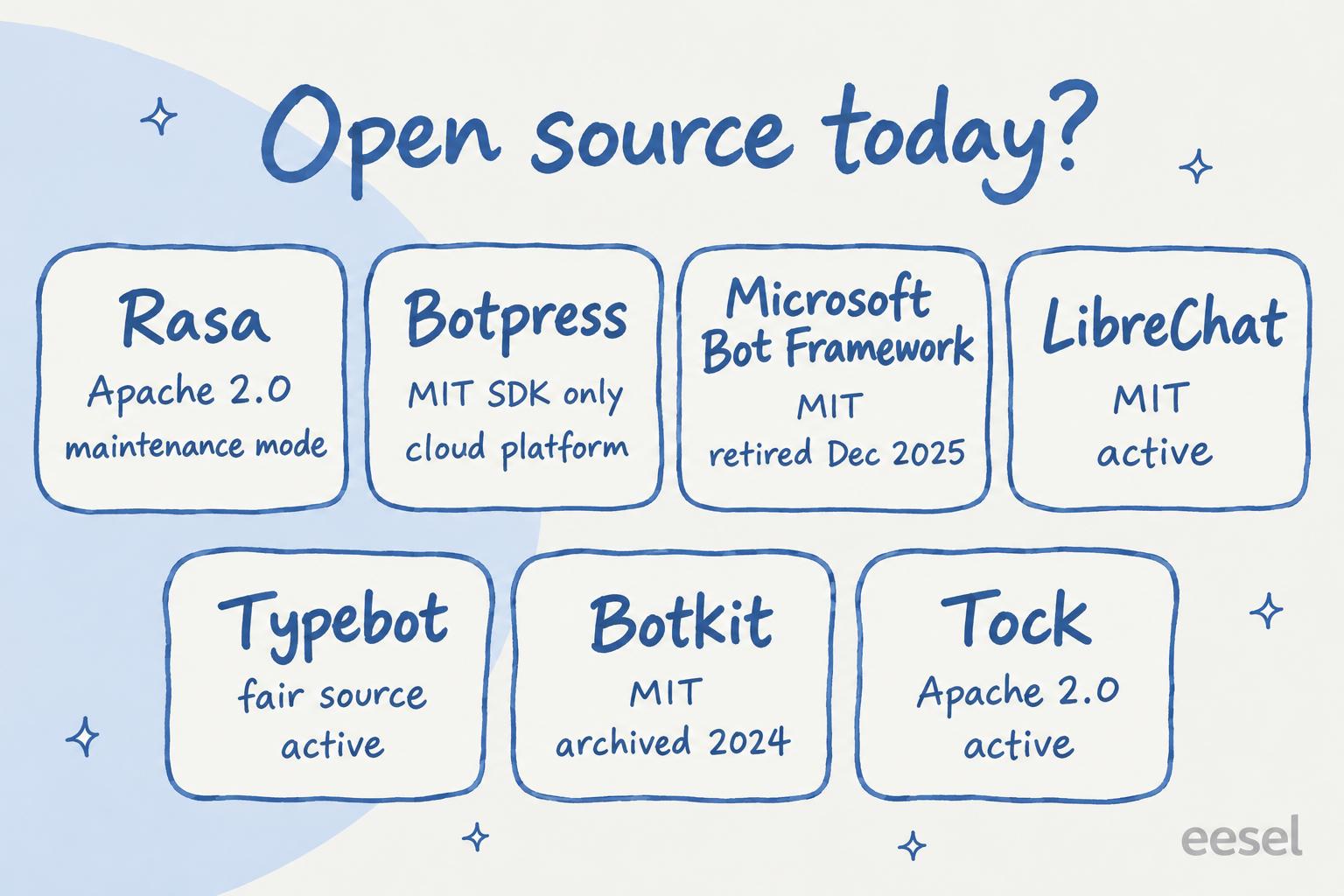
Rasa is the go-to for teams that need deep, fine-grained control over their AI's brain, though its open source edition now only gets maintenance. Botpress strikes a nice balance between coding and visual building, as a hosted platform. For big companies already using Microsoft's cloud, the Microsoft Bot Framework was the natural fit; its successor is the Microsoft 365 Agents SDK. LibreChat is all about giving you the freedom to swap between different large language models like those from OpenAI or Anthropic. Typebot builds interactive forms that feel like a conversation. Botkit, now archived, was a simple tool for messaging apps like Slack. And Tock is built to run one bot across web, messaging apps and smart speakers, in text or voice.
The 7 best open source chatbot platforms in 2026
Rasa, Tock, Botkit and Microsoft's SDKs are code-first frameworks, Botpress and Typebot are visual builders, and LibreChat is a chat app for your own team.
1. Rasa
Best for developer teams that want code-level control over a customer-facing agent and can work with a license key instead of a purely open source repo.
Rasa is still the heavyweight of open-source conversational AI, with 21.4k stars on GitHub, but the open source part is no longer where it's headed. The repo's README says Rasa Open Source is "currently in maintenance mode" and points new projects to Hello Rasa and CALM.
Instead of the old "stories" (example conversations you trained it on), today's Rasa uses CALM: a large language model works out what the user wants, and flows you write define the steps the agent can take. That split keeps your business rules in version-controlled files your team can review and test. It's powerful, but it expects a lot from you.
-
The good: Code-first control over every step, open prompt editing, end-to-end testing and rollback, and the choice of hosted or self-managed language models on your own infrastructure. Rasa Studio adds a no-code layer so non-developers can work on the same assistant.
-
The not-so-good: The free license isn't an open source license, and the open source repo only gets maintenance now. Production is built for engineering teams, too: the platform lists Kubernetes deployment through Helm, Redis for multi-node concurrency and Kafka for its conversation data pipeline.
-
Pricing: Rasa offers a Free Developer Edition (one bot per company, up to 1,000 external or 100 internal conversations a month) you can use locally or in production. The custom-quoted Enterprise plan adds full access to the Rasa Platform, premium support and large-scale deployment, so it's geared toward larger companies.
-
My take: Pick Rasa if you want the deepest control and can live with a license key. Skip it if "open source" is a hard requirement for your legal team. The deciding factor is whether the 1,000-conversation free tier covers you.
2. Botpress
Best for teams that want a visual builder with a way into code, and are happy for Botpress to host it.
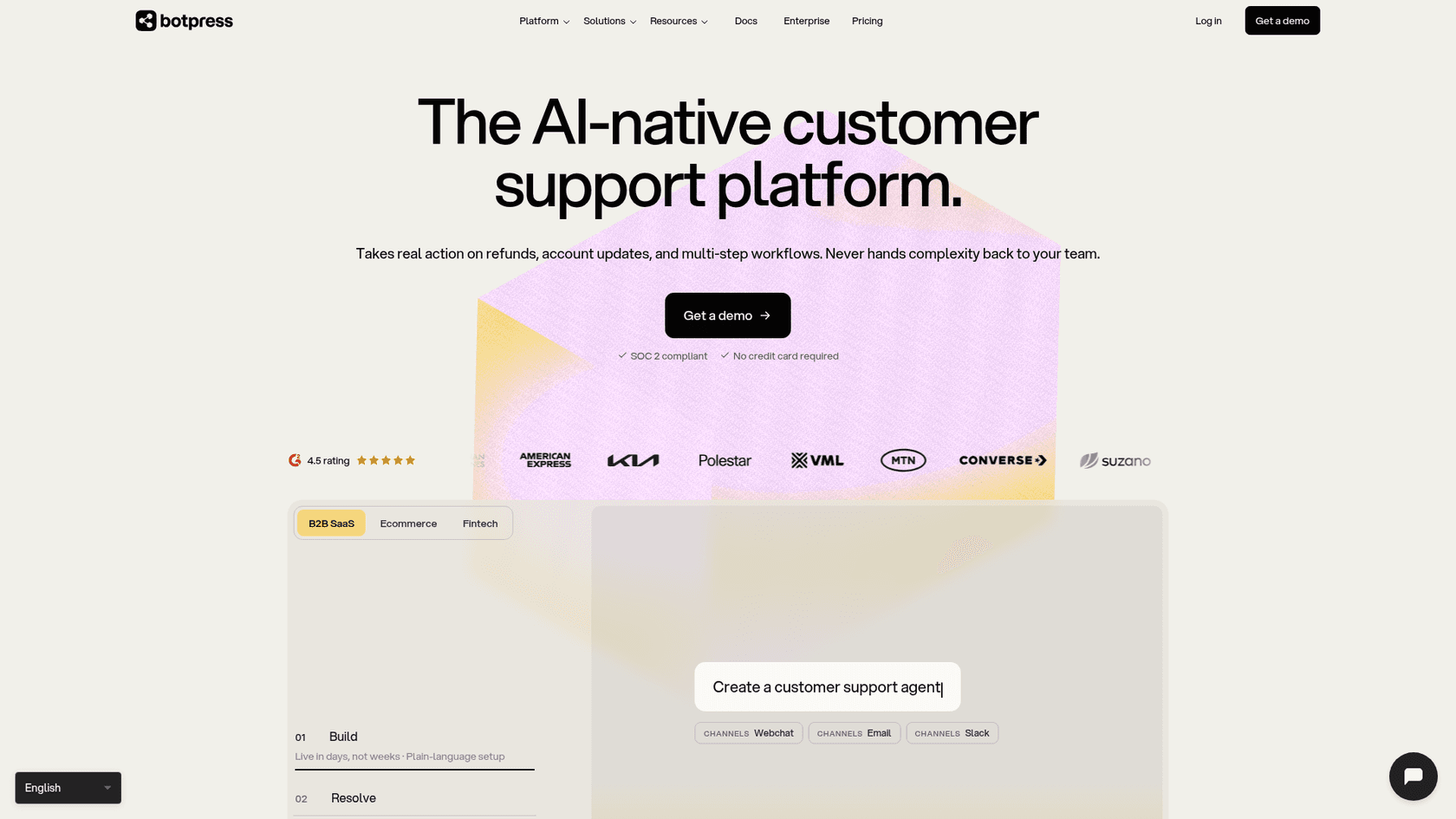
Botpress finds a nice middle ground between pure code and no-code builders. Botpress Studio lets you map out how a chat should go, and its SDK and CLI let you jump into code for trickier logic. Its modular design lets you add integrations like snapping together building blocks.
What's changed is where it runs. The homepage now calls Botpress "The AI-native customer support platform", and the product is Botpress Cloud. The open source part is its GitHub repo: the SDK, CLI and integrations, under the MIT license. The self-hosted edition was Botpress v12, dual-licensed under AGPLv3 (last release v12.31.10, April 2025), and Botpress's v12 docs now say it "has been officially sunset and is no longer available for purchase, download, or new deployments", along with every other self-hosted version.
-
The good: The visual editor speeds things up and makes it easier for developers and conversation designers to work together, with real-time collaboration in the Studio on the Team plan. The integrations are open source, so you can read or extend them.
-
The not-so-good: You can't self-host it anymore: Botpress has closed v12 and every other self-hosted version to new deployments, so everything runs in Botpress Cloud.
-
Pricing: Botpress has a free plan with 100 conversations a month. After that, the Plus plan is $150/month (billed annually) for 250 conversations and features like WhatsApp and whitelabel webchat, while the Team plan at $750/month (billed annually) adds 1,500 conversations, unlimited seats and collaboration tools. Pricing is per conversation, not per message; my Botpress pricing breakdown has the details.
-
My take: Pick Botpress if you want a hosted builder and only need the pieces you extend to be open. Skip it if self-hosting is why you're here, because Botpress no longer offers it to new users. The deciding factor is whether you're fine with your bot living only in Botpress Cloud. My list of Botpress alternatives has other options.
3. Microsoft Bot Framework (now the Microsoft 365 Agents SDK)
Best for teams with an existing Bot Framework bot in Azure or Microsoft Teams that need a path forward.
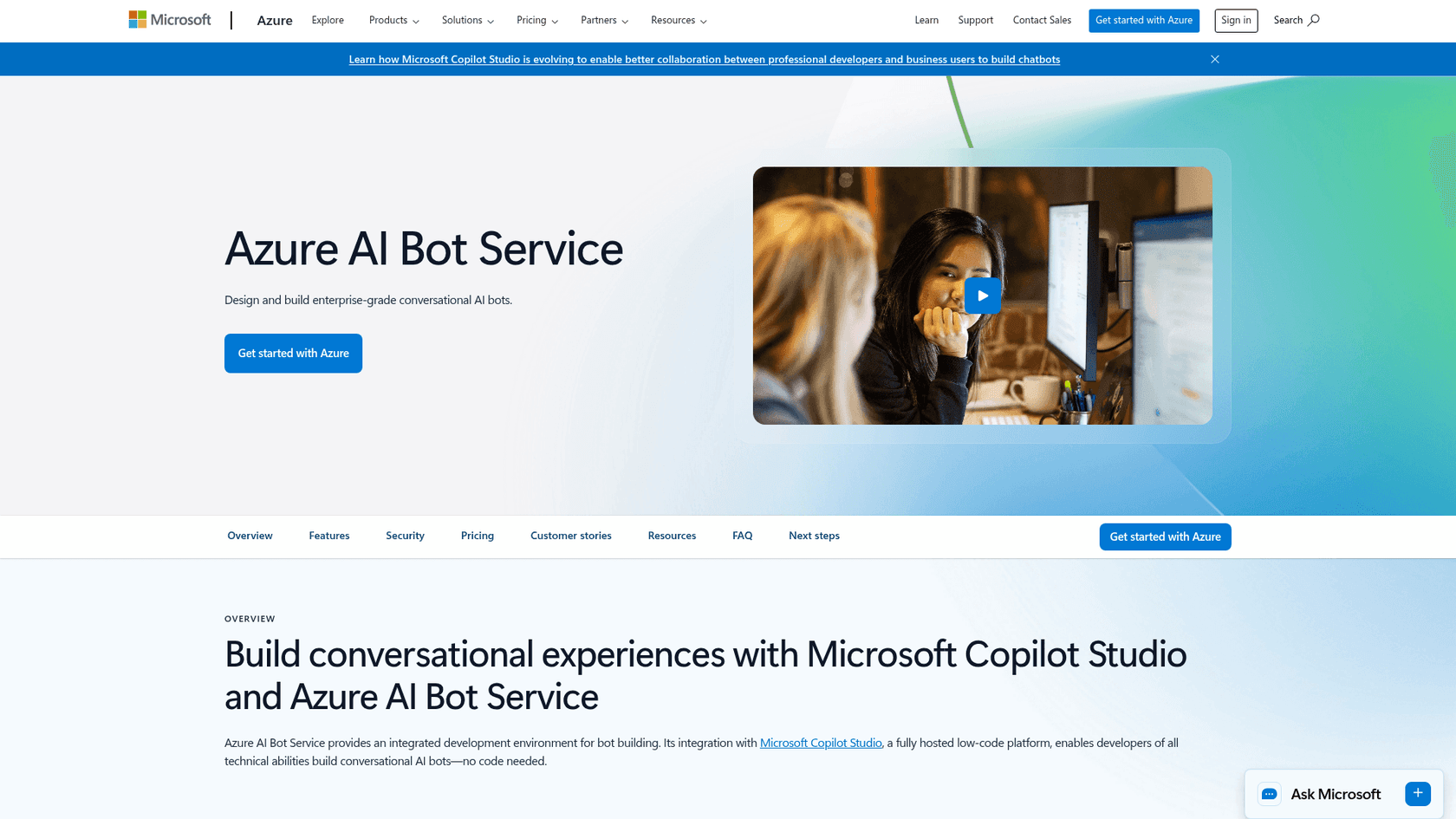
This was Microsoft's big, enterprise-level toolkit for building bots: less a single app and more a collection of services and tools, tied deeply into the Azure cloud. The big change since I last updated this list: Microsoft retired the Bot Framework SDK, with final long-term support ending in December 2025. Its GitHub repo was archived on 5 January 2026, and support tickets stopped being serviced on 31 December 2025. Bots built with it keep working, but they won't get updates.
Microsoft points new projects to the Microsoft 365 Agents SDK, which is MIT-licensed and generally available, or to Copilot Studio if you'd rather not code. The Agents SDK handles the plumbing: getting messages in and out of Teams, Microsoft 365 Copilot, a website or Slack with the conversation state intact. Microsoft is clear that "the Agents SDK isn't an AI model, an orchestration engine, or a no-code builder", so you bring the AI yourself.
-
The good: It's built to scale and is loaded with the security and governance features large companies need. The Agents SDK supports C#, JavaScript and Python, and works with whichever AI service you prefer.
-
The not-so-good: If you're starting fresh, the Bot Framework SDK is the wrong thing to install, since it's archived. And you only get the full benefit if you're already all-in on the Microsoft ecosystem, which can lock you in.
-
Pricing: The SDKs are free and open source. The costs come from whichever Azure services you use: on Azure AI Bot Service, standard channels are free, while premium channels (your own app or website) include 10,000 messages a month on the free tier and cost $0.50 per 1,000 messages on S1, plus hosting and any AI services your bot needs. It can be tricky to predict your final monthly bill; my guide to Azure Bot Service walks through it.
-
My take: Pick the Agents SDK if your bot has to live in Teams or Microsoft 365 Copilot. Skip it otherwise. The deciding factor is whether Teams or Microsoft 365 Copilot is a must-have channel. If you're after Microsoft Bot Framework alternatives outside Microsoft, Tock and Rasa are the closest code-first swaps.
4. LibreChat
Best for teams that want a private, self-hosted ChatGPT-style app with several AI models behind it.
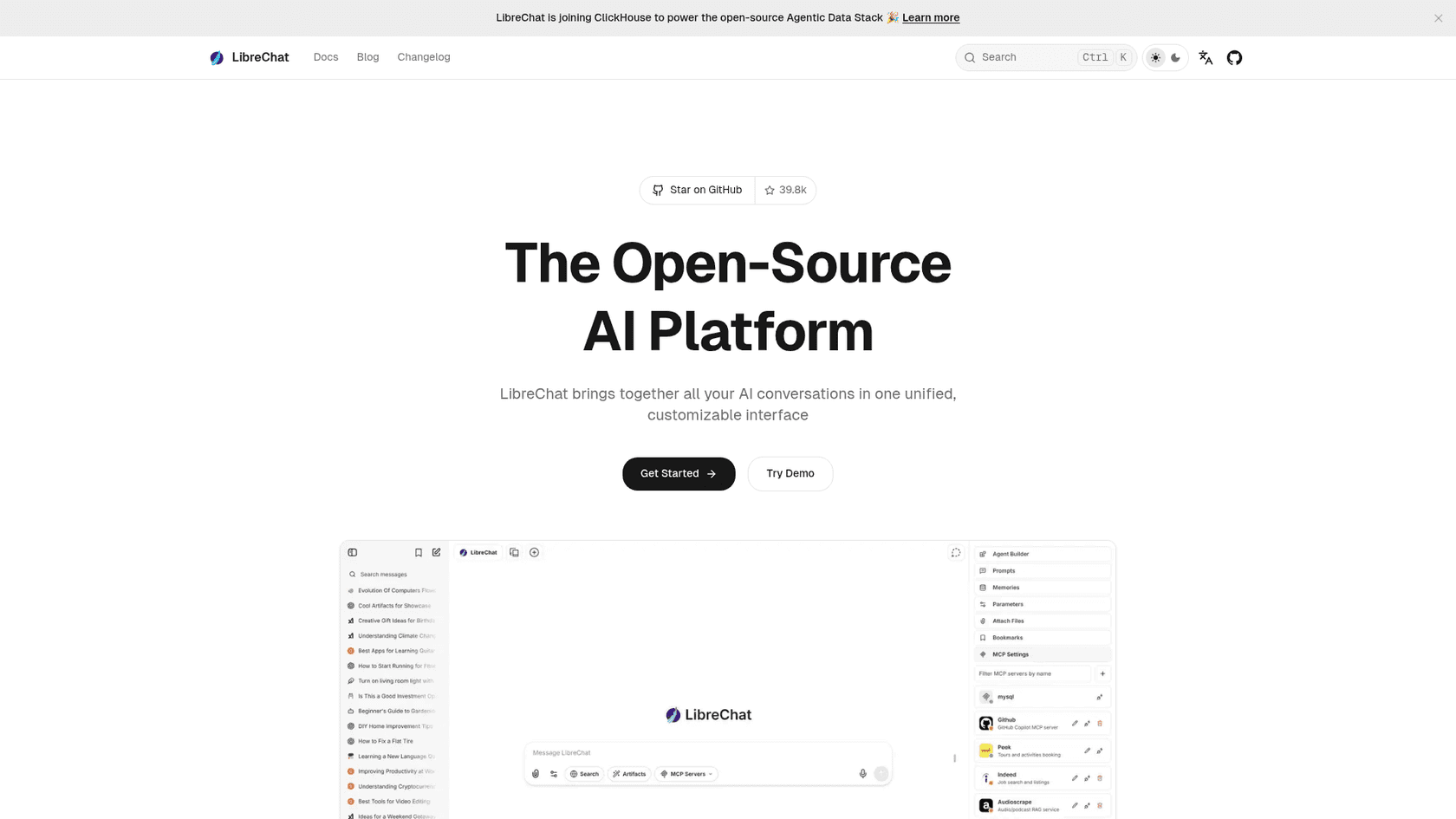
LibreChat solves a different problem: the messy, fragmented world of large language models (LLMs). Instead of building its own AI brain, it gives you a clean, open-source interface, inspired by ChatGPT, that plugs into AI providers like OpenAI, Google, Mistral, Anthropic and AWS Bedrock, or local models through Ollama.
It's MIT-licensed, has 47.5k stars on GitHub, and its homepage says LibreChat is joining ClickHouse. It has also grown well past plain chat: agents with MCP tools, a code interpreter, web search and, in beta, agents that answer in Slack.
-
The good: It lets you switch between different LLMs without rebuilding your whole chat interface, and you decide where the data lives. It's a great open-source replacement for paid interfaces like ChatGPT Plus.
-
The not-so-good: It's a chat app for the people you give accounts to. You still pay for the external AI services that do the actual "thinking", unless you run local models on your own hardware.
-
Pricing: The LibreChat software is free. Your costs will be whatever the APIs for the LLMs you use charge you, plus your own server hosting expenses.
-
My take: Pick LibreChat if you want a private ChatGPT for your team with any model behind it. If the bot is for customers on your website or in your helpdesk, look at Tock, Rasa or the managed option further down. The deciding factor is who the users are: your own team, or your customers.
5. Typebot
Best for marketers and small teams building guided chat forms, lead capture and onboarding flows.
Typebot sits between a chatbot and a smart web form. It's built for guided conversations that capture leads, run surveys or onboard new users, in a visual drag-and-drop builder.
One correction to how it often gets listed: Typebot calls itself "a Fair Source chatbot builder", not open source. Its code is public under the Functional Source License, which lets you run, study and modify it, but not sell access to your instance or offer Typebot hosting. Each version becomes Apache 2.0 after two years.
-
The good: Non-developers can use it, and you can self-host it. The visual builder is perfect for structured conversations that guide a user through a process.
-
The not-so-good: If you self-host, you get a new release once a month, while cloud users get features as soon as they're ready. And the license rules out building the Typebot editor into software you sell.
-
Pricing: Typebot has a free plan that includes 200 chats per month. The Starter plan is $39/month for 2,000 chats, and the Pro plan is $89/month for 10,000 chats and extras like a WhatsApp integration.
-
My take: Pick Typebot for forms that talk. Skip it if a strict open source license is a requirement or you plan to resell it. The deciding factor is the license, not the product.
6. Botkit
Best for nobody starting today; only for teams keeping an old Botkit bot running.
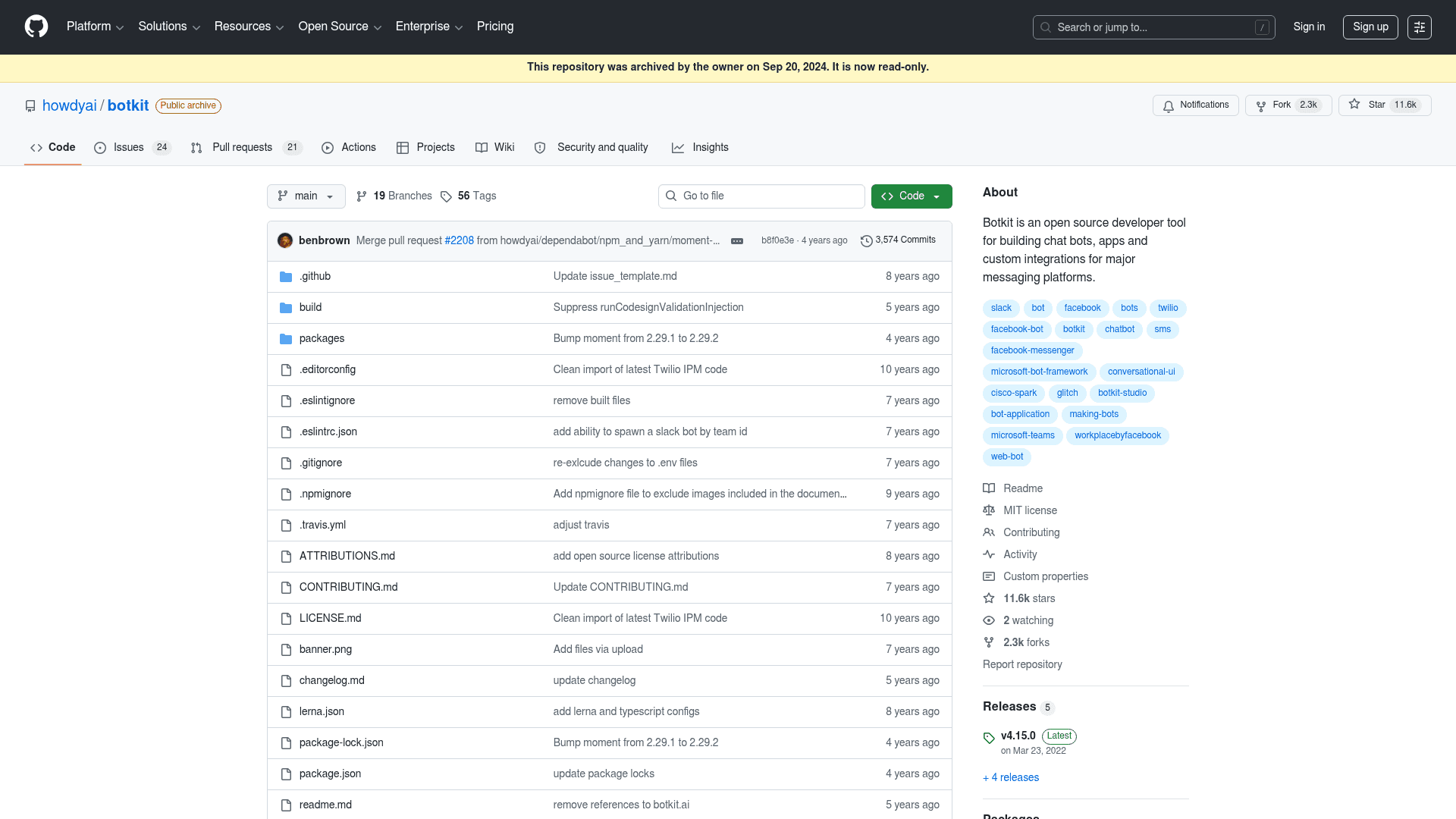
Botkit was created to make it simple for developers to build bots for chat platforms, with adapters for Slack, Webex, Google, Facebook Messenger, Twilio SMS and the web. Its README describes it as part of the Microsoft Bot Framework, released under the MIT license. Its repository was archived in September 2024, which means it's no longer being developed, and the Bot Framework SDK it belongs to was retired in December 2025 as well.
-
The good: It was great for getting a simple bot up and running quickly inside a chat app. It had a big library of plugins and good documentation.
-
The not-so-good: The project is no longer maintained, which means no security fixes. That's a major red flag if you're starting something new.
-
Pricing: Free and open-source. Any costs would just be for hosting it.
-
My take: Don't start a new project on Botkit. If one is still running, plan a move to the Microsoft 365 Agents SDK or Tock.
7. Tock
Best for teams building a text or voice assistant that answers from their documents, on a license with no catches.
Tock is a full-featured conversational AI platform built to run one bot across web, mobile, social networks and smart speakers, which makes it a really interesting option if you're building an assistant that works as both a chatbot and a voice assistant. It's Apache 2.0, it's actively developed (its GitHub repo had a new commit on 24 November 2026), and it has kept up with LLMs: Tock can give RAG answers from your documents with OpenAI, Azure OpenAI, AWS Bedrock or Ollama models, combined with the scripted stories you write. SNCF Connect, which gets 3M visits a day, runs its bot on Tock, according to Tock's site.
-
The good: It handles text and voice, has built-in connectors for the web, WhatsApp, Messenger, Teams, Slack and Google Chat, and Tock Studio gives you an interface to build stories, configure the generative AI and analyze conversations. You can program it in Kotlin, Node.js or Python and deploy it with Docker or Kubernetes.
-
The not-so-good: The community is much smaller: 612 GitHub stars against Rasa's 21.4k, so finding help can be a bit tougher. Getting it set up can also be a pretty involved process.
-
Pricing: Tock is completely free to use. All your costs will come from the servers and development time you put into it.
-
My take: Pick Tock if you want the most complete platform that is still fully open source; it's also my pick if you want an open source alternative to Dialogflow. Skip it if you need a big community to lean on. The deciding factor is whether your team is happy working from docs rather than forums.
What about Dify, Open WebUI and other open source AI chatbots?
Some readers mean something newer than a bot framework: a platform for building LLM apps, or a ChatGPT-style app you run yourself. Two projects lead that space on GitHub, and each has more stars than everything on the list above combined.
Dify
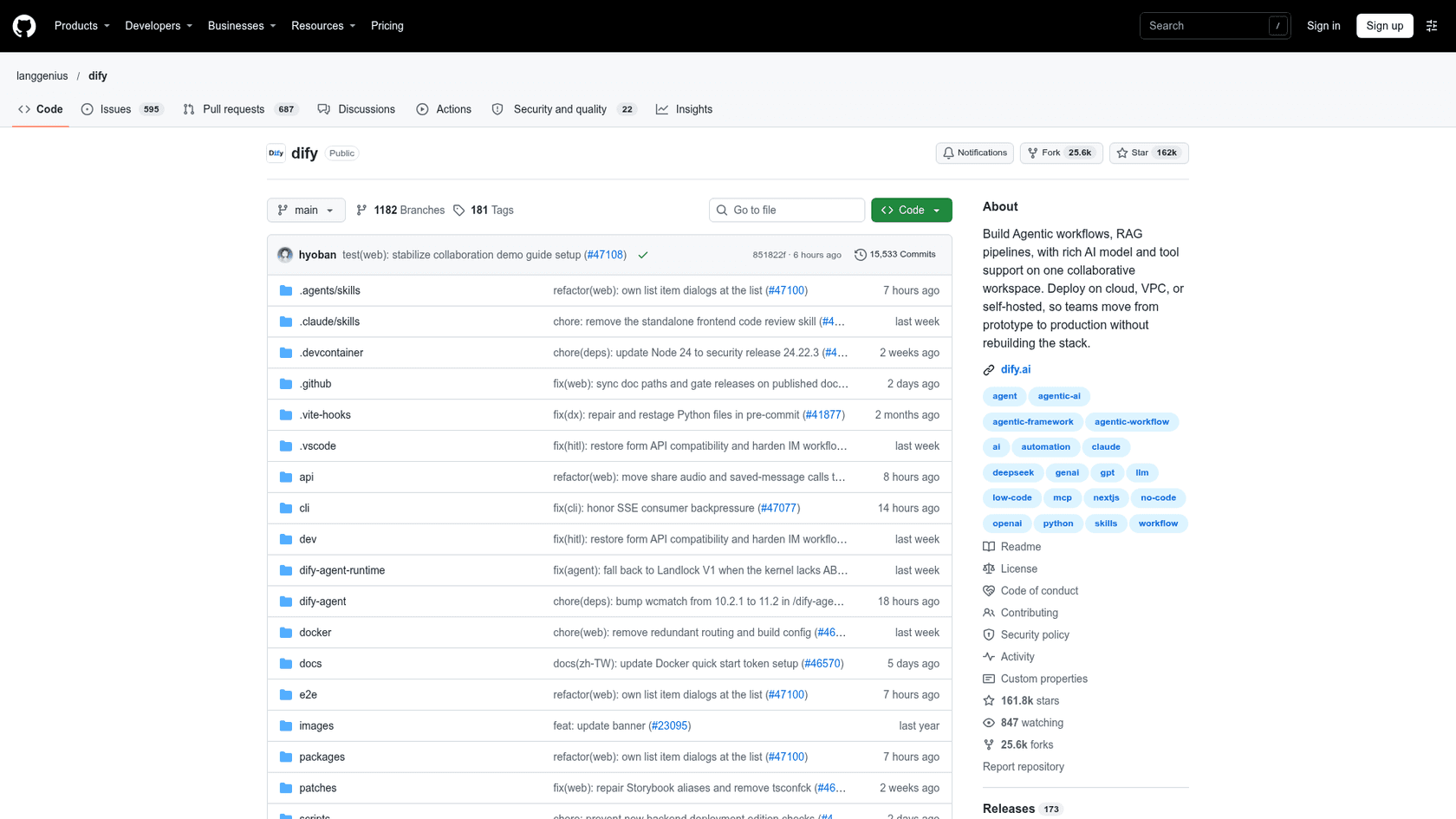
Dify is an open-source platform for building LLM apps, with a visual workflow builder, a RAG pipeline for your documents, agents and model management in one place. With 161.8k stars, it's the most popular project in this post. You can self-host it with Docker Compose on a machine with at least 2 CPU cores and 4 GiB of RAM, or pay for Dify Cloud, where the Professional plan is $590 per workspace a year (Dify pricing). Read the license first, though: it's the Dify Open Source License, based on Apache 2.0 with additional conditions.
Open WebUI
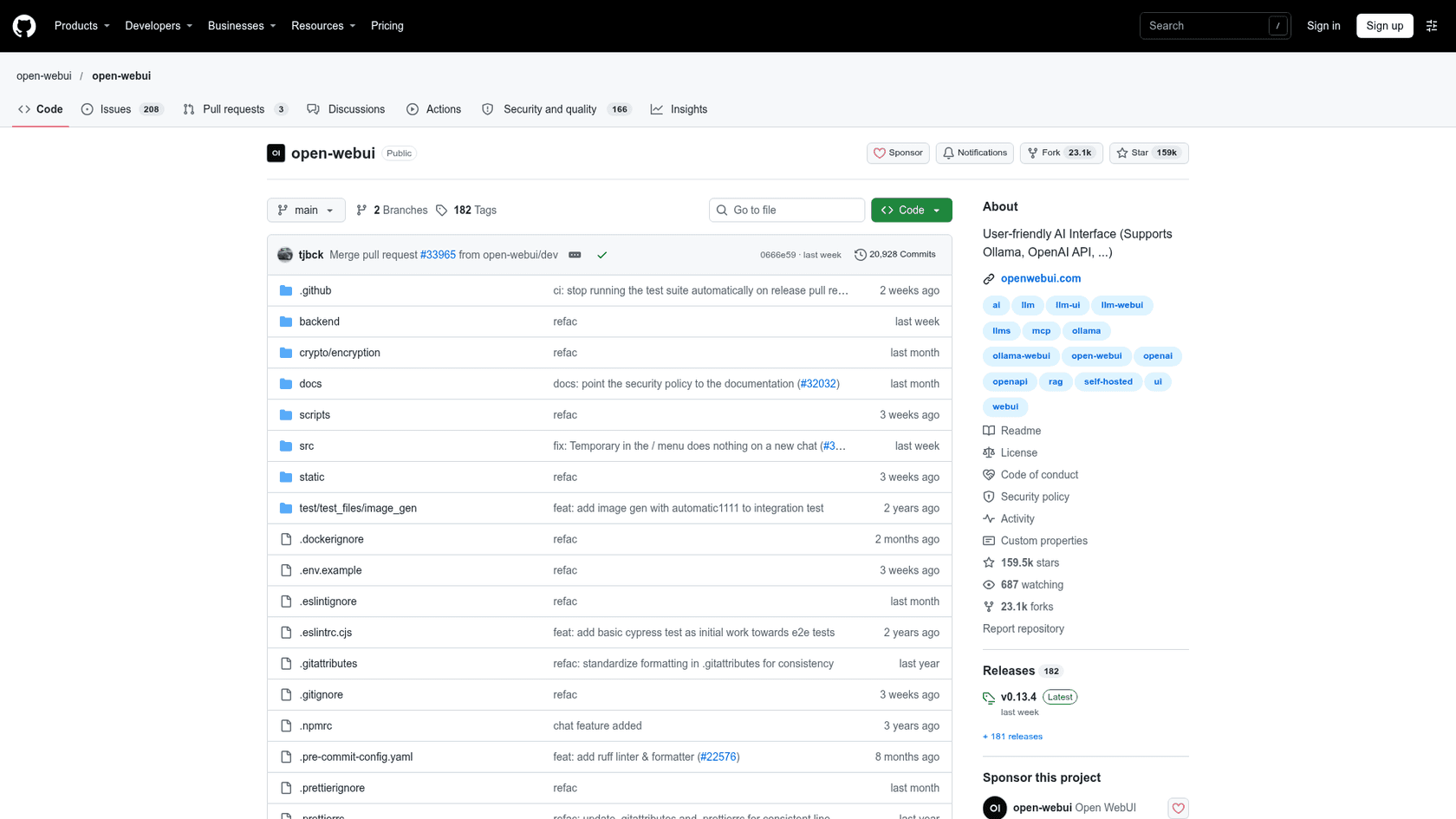
Open WebUI is the other giant, with 159.4k stars: a self-hosted AI interface built to run entirely offline, using local models through Ollama or any OpenAI-compatible API. Think of it as LibreChat's closest rival. Its license requires you to keep the Open WebUI branding once more than 50 people use it in a 30-day period (unless you buy an enterprise license), which matters if you planned to rebrand it for customers.
If you're after agent frameworks rather than chat apps, my list of open source AI agents covers those, and this guide to an open source Chatbase alternative covers website bots trained on your docs.
How do you build a chatbot on an open source platform?
Whichever project you pick, the work follows the same five steps, and the hard part is rarely the first one:
- Pick the kind of tool. A framework (Rasa, Tock) if developers will own it, a builder (Botpress, Typebot, Dify) if other people will edit the flows, or a chat app (LibreChat, Open WebUI) if it's only for your team.
- Choose a model. A hosted API like OpenAI or Anthropic, or a local model through Ollama if data can't leave your servers.
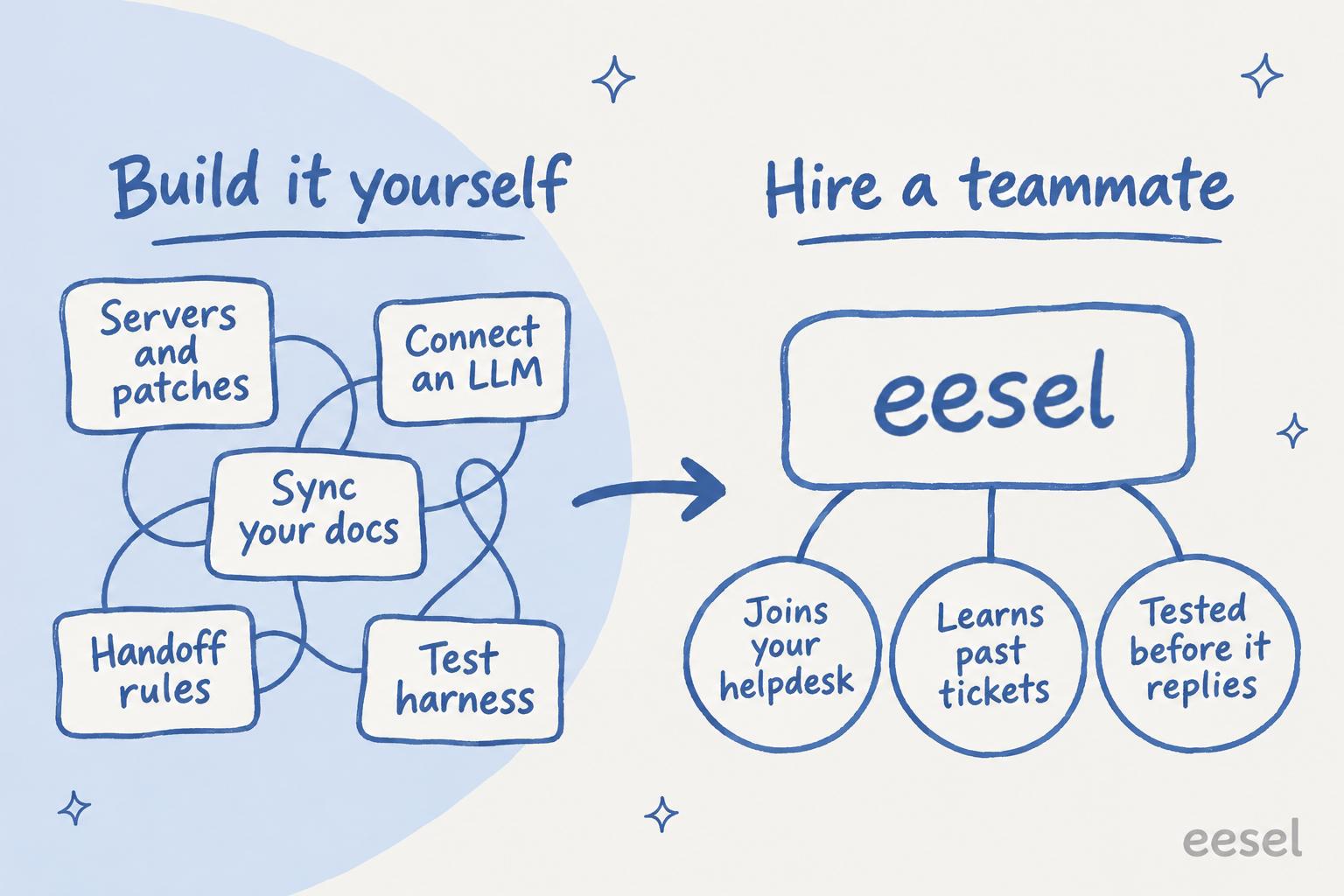
- Connect your knowledge. Point it at your docs with RAG, and decide how often it re-syncs when they change.
- Write the rules. What it may answer, when it hands off to a person, and what it must never promise a customer.
- Test it, then host and maintain it. Run it against real past conversations before launch, then budget for patches, upgrades and monitoring for as long as it runs.
For a support bot specifically, this walkthrough on building a support chatbot goes into each step.
A smarter alternative to open source chatbot platforms: get control without complexity
Every option above asks for real engineering work. What if you could get the customization you want from open source without spending months on development and maintenance?
Most companies don't want to build a chatbot framework. They want to solve a business problem, like cutting down on support tickets, answering customer questions faster, and giving their support team a break.
eesel has run AI on live support queues for years, and the gap between "the demo works" and "safe in production" is exactly the part open source leaves to you. SE Ranking shows what's in that gap. It runs Zendesk live chat for three products through eesel, one agent for each, and in one month eesel handled about 4,650 conversations, including 2,100 live chats it answered first. The rules matter as much as the answers: refunds, trial extensions and requests for a person go to the team with the customer's name and email, and the bot never says someone is joining now.
Start on your real tickets, not a blank repo
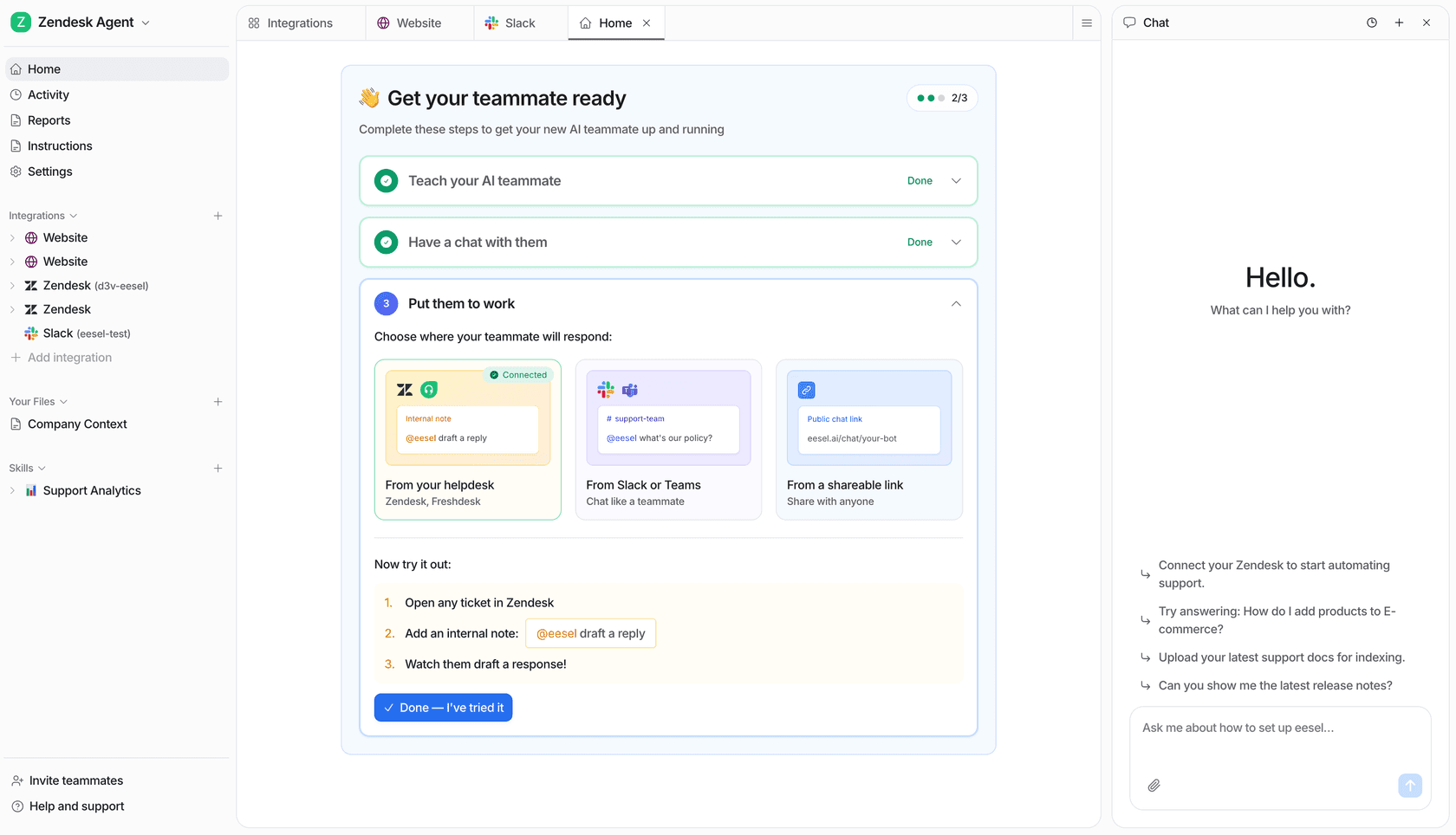
Open-source projects start with a command line and a blank screen. A customer service automation platform like eesel starts with the tools you already use. You connect it to your help desk (like Zendesk or Freshdesk) and your knowledge bases (like Confluence or Google Docs).
Get full control over your workflow without the code
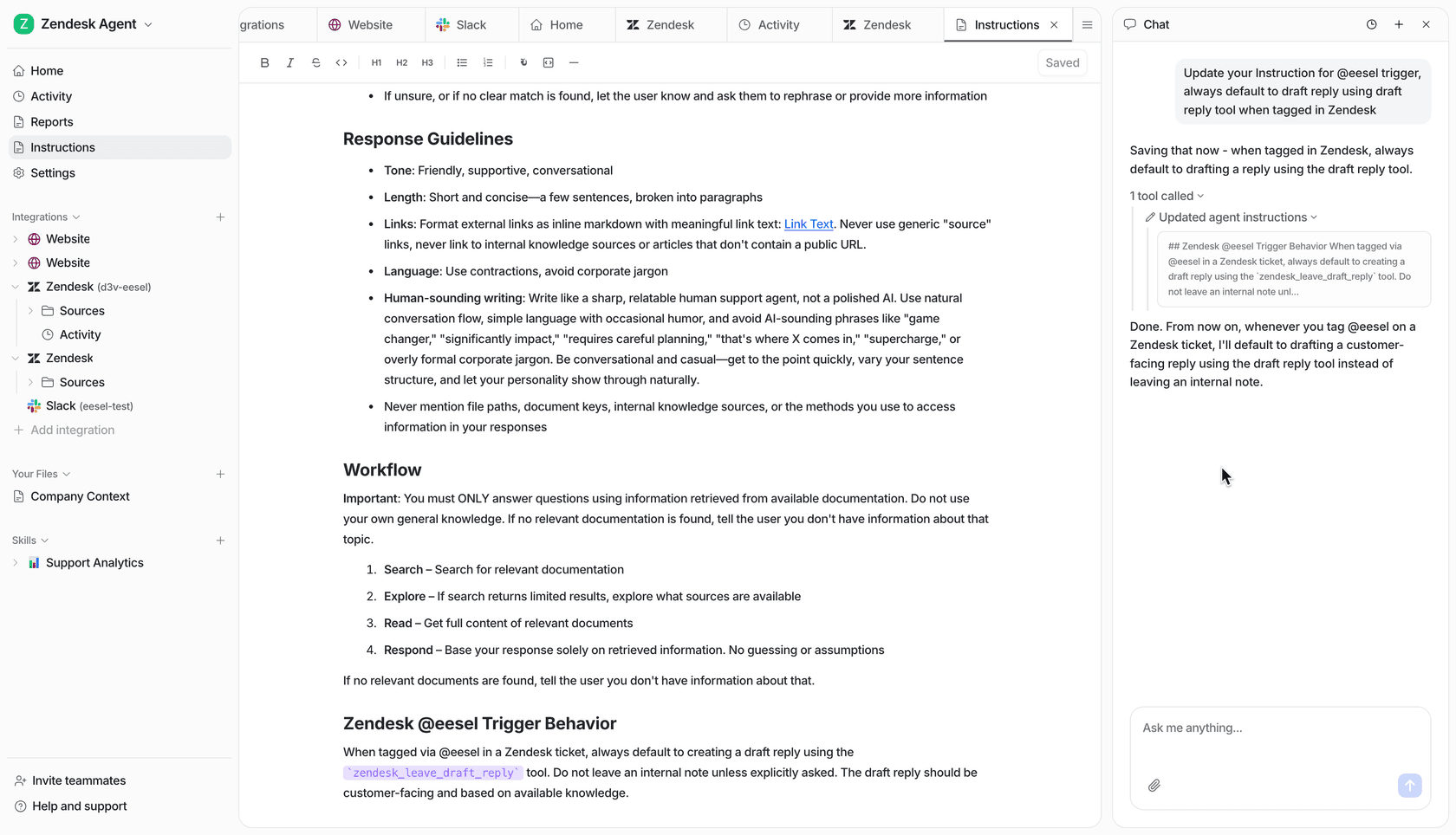
The main reason people pick open source is control. But that control doesn't have to mean writing thousands of lines of code. eesel gives you control over the business logic, which is the part that really matters, and you write it in plain language:
-
Choose what it does alone: For each tool, you set whether eesel acts on its own, asks a person first or stays off, and that can differ for your team, a verified customer and an anonymous visitor. Anything set to ask first waits for a yes (actions and approvals), and anything outside its rules can go straight to a human agent.
-
Customize the personality: Define your AI's tone of voice so it sounds like part of your brand, the same way you'd shape a good customer service chatbot.
-
Limit its knowledge: Tell it to answer only from the sources you choose, which is one of the simplest ways to prevent hallucinations in support.
Unify your knowledge and test it before customers see it
One of the biggest headaches with any AI project is feeding it the right information. eesel learns directly from your past support tickets, macros and connected knowledge bases.
And you don't have to launch it and hope for the best. eesel is tested on your past tickets before it replies to anyone, so you see how it would have answered real questions before a customer does, then track your resolution rate once it's live. Building that yourself on an open-source project would be a huge undertaking on its own, and it's a big reason teams choose to onboard an AI support agent instead.
Choosing the right open source chatbot platform
Open source chatbot platforms suit teams that have the engineering resources to handle them. If your main business is building AI infrastructure, they're a perfect choice. My short version: Tock if you want a full platform that's still fully open source, LibreChat or Open WebUI for a private ChatGPT for your team, Rasa if you want the most control and can accept a license key, and the Microsoft 365 Agents SDK only if you live in Teams.
If you're weighing the wider market, my list of the top customer support tools and this guide to self-service solutions are good next reads.
Try eesel before you build a support bot from scratch
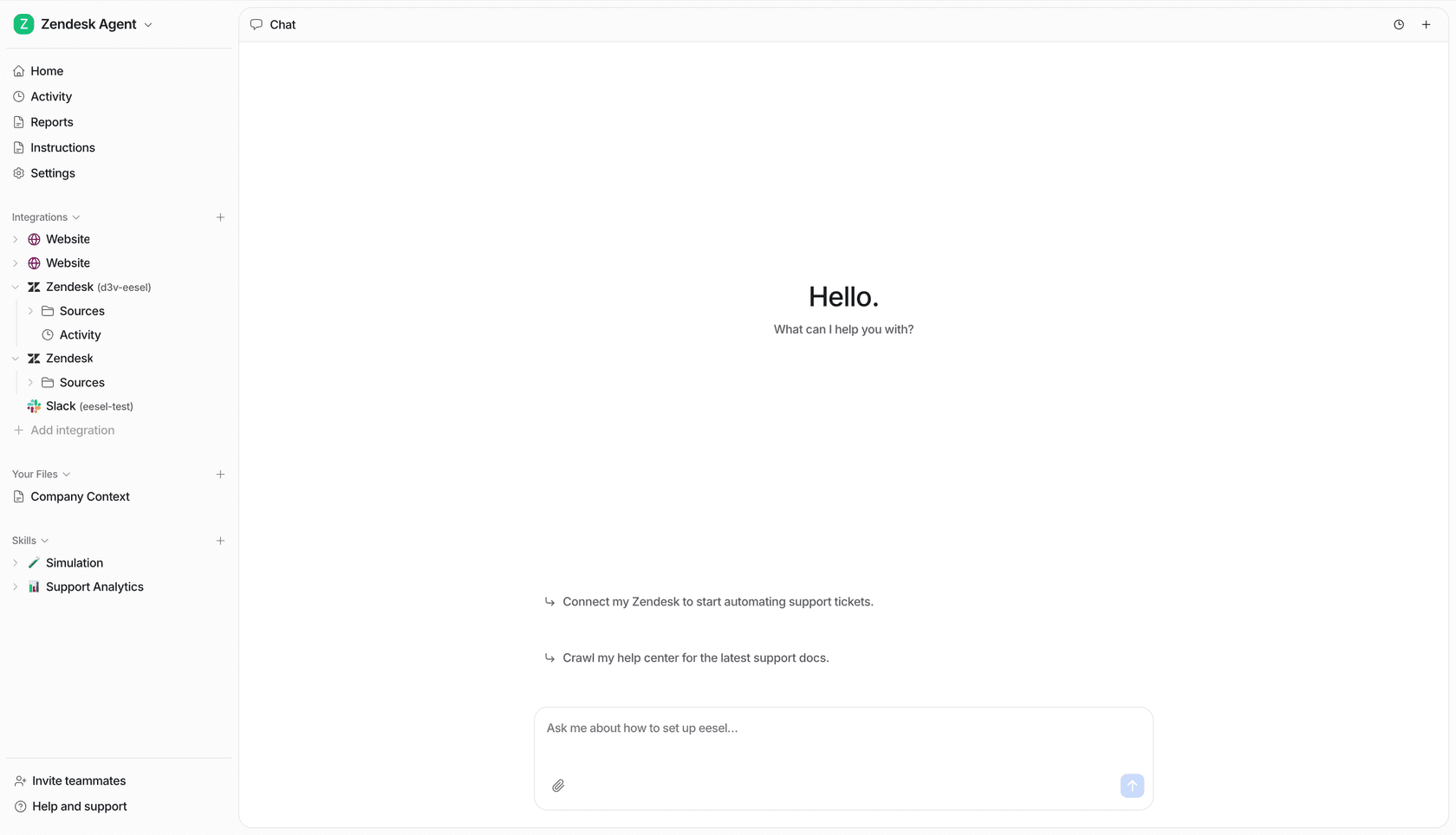
If the chatbot you're planning is one your customers will talk to, try eesel next to your helpdesk before you commit a developer to an open source build. It does the job a self-hosted bot would, answering from your own knowledge, but it learns from your past tickets, is tested on them before it replies, and you decide what it does on its own and what waits for a yes. Pricing is per ticket or chat, from $299 a month for 500 credits, and the trial gives you 100 credits for 7 days with no card. Launch an AI agent on your own tickets, or see how to build an AI helpdesk with eesel first. Try eesel free and see how quickly you can get started.
Frequently asked questions
What is the best open source AI chatbot?
For a bot your customers talk to, Tock is the strongest pick that is still fully open source (Apache 2.0) and actively developed. For a private ChatGPT-style app for your own team, LibreChat (MIT) and Open WebUI are the usual choices. If you'd rather not host anything, compare them with the best AI chatbots overall.
Is there a free open source chatbot I can self-host?
Yes. Tock, LibreChat, Botkit and Rasa Open Source are all free to download and host, though Botkit is archived and Rasa Open Source is in maintenance mode. You still pay for servers and, for AI answers, the model APIs; this guide to chatbot costs shows where the money goes.
What are the best Microsoft Bot Framework alternatives?
Microsoft's own successor is the Microsoft 365 Agents SDK, since long-term support for the Bot Framework SDK ended in December 2025. Outside Microsoft, Tock and Rasa are the closest code-first swaps, and Botpress fits if you want a hosted visual builder. My Azure Bot Service guide covers the Azure side.
What is the best open source alternative to Dialogflow?
Tock is the closest fully open source match: it has its own NLU stack, a studio for building stories and RAG answers from your documents, all on servers you control. Rasa is the other classic pick, but its current version runs under a free license key rather than an open source license. For Google's own tool, see this Dialogflow chatbot guide.
What's the difference between an open source chatbot framework and a chatbot builder?
A framework, like Rasa, Tock or the Microsoft 365 Agents SDK, is code your developers build on, so it gives the most control and needs the most engineering. A builder, like Botpress, Typebot or Dify, lets you design the conversation visually. My roundup of the best AI chatbot builders covers the visual side in more depth.
Is Rasa still open source?
Partly. Rasa Open Source is still on GitHub under Apache 2.0, but its README says it's in maintenance mode, and new projects run on CALM with a free Developer Edition license for one bot and up to 1,000 external conversations a month. It's still one of the most capable conversational AI platforms for developers.
How much does it cost to run an open source chatbot?
The license is usually $0, but you pay for hosting, the LLM API calls behind each answer and the developer time to build and maintain it, which is often the biggest line. Hosted plans make the bill predictable: Botpress Plus is $150 a month billed annually and Typebot Starter is $39 a month. See Botpress pricing for the full breakdown.
Can an open source chatbot handle customer support?
It can, but you build the hard parts yourself: syncing your help center, handoff rules, testing on real conversations and hosting. If you'd rather skip that, eesel joins your existing helpdesk, learns from your past tickets and is tested on them before it replies. This guide to building a support chatbot goes deeper.
