This repository was archived by the owner on Sep 20, 2024. It is now read-only.
Repository navigation
Home
Expert Finder bot allows employees to search for experts in an organization based on their skills, interests and schools. It also provides users the ability to update details into their Azure Active Directory profile and keep it up to date.
Expert Finder app has following teams capabilities:
- Personal scope bot
- Messaging extension
Personal bot
- My Profile: Using this command users will be able to view their Azure Active Directory profile information in a card. The card will have call to action buttons that will let them add or modify information in their Azure Active Directory profile or view details about other attributes.


- Search: This command allows the users to search for experts within the organization whose attributes match with the search keyword. They will be able to select up to 5 user profiles and view details pertaining to them.


Messaging Extension
Users can search for individuals within the organization whose attributes match the user search keyword using the messaging extension.
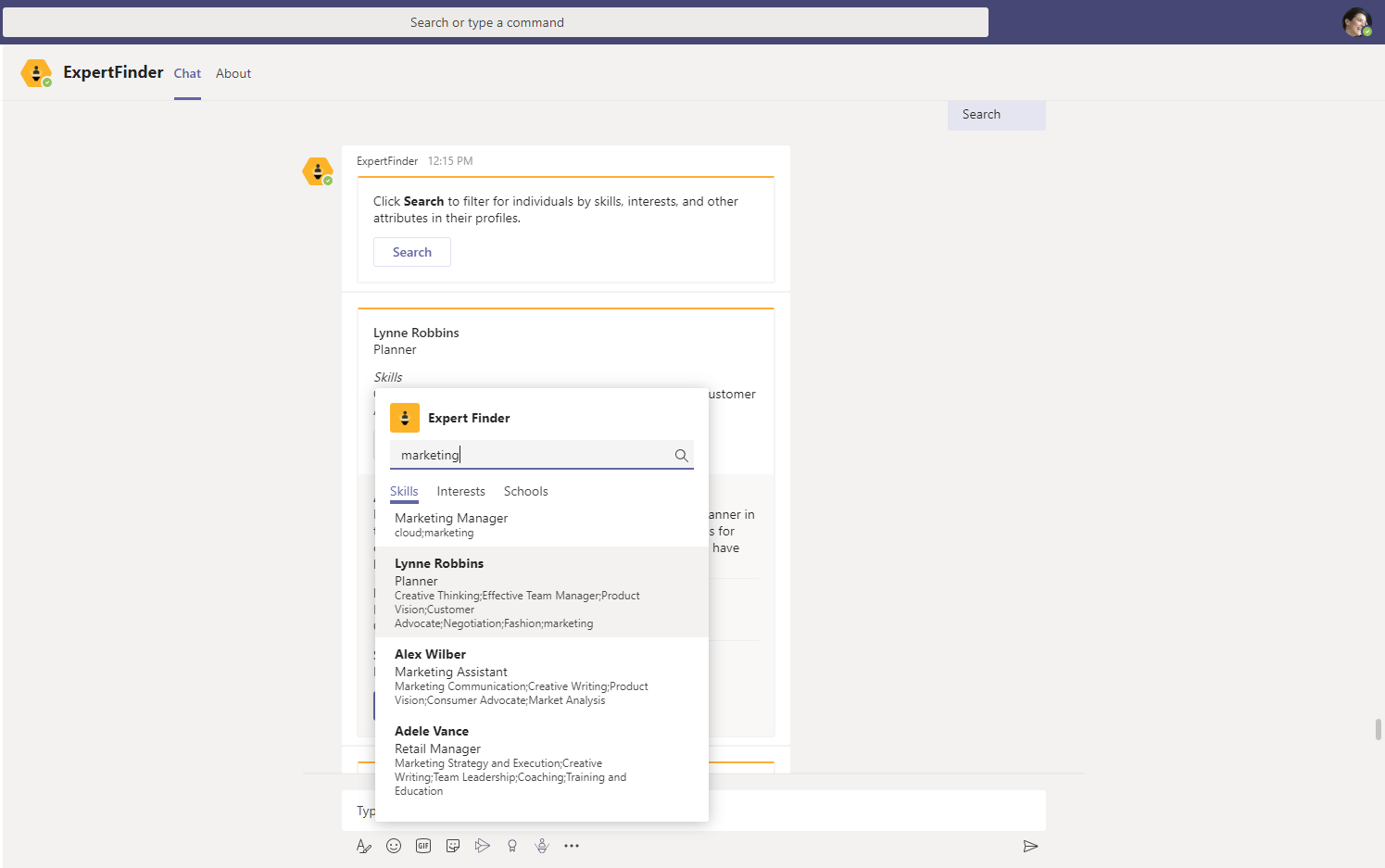
Applicable scenarios:
- Best used in a large organization with multiple work locations.
- New hires in the organization could use the app to initiate personal conversations with individuals who share similar skills/interests or to connect with the school alumni group.
The supported bot commands for the app are described in this section.
| Bot Command | Bot Response |
|---|---|
| Help | Presents a list of commands that the bot supports |
| My profile | Responds with the user profile card with the profile information as provided in Azure Active Directory |
| Search | Responds with the card with suggestive text and a button which invokes the task module to add the details to search for experts |
-
Deploying the app
