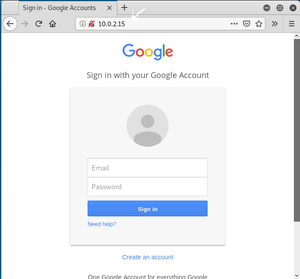
The Social Engineering Toolkit (SET) is pre-installed on Kali Linux. To install or update the tool manually, open a terminal and run
sudo apt update && sudo apt install set -y. Launch it using sudo setoolkit and verify the installation via the main menu interface.
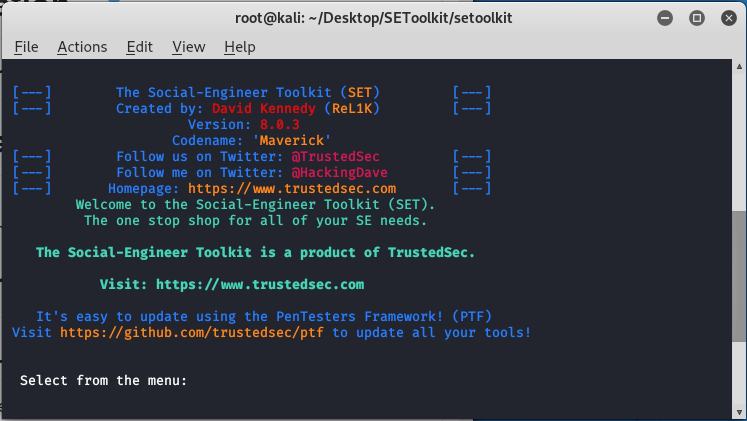
Installation of Social engineering toolkit
Step 1: Open your Kali Linux Terminal and move to Desktop
cd Desktop 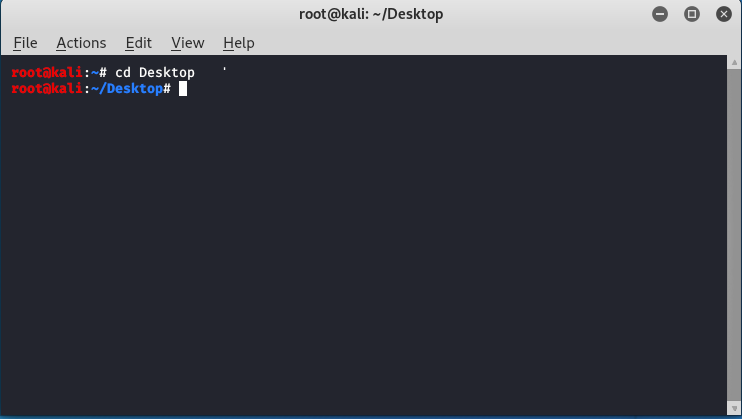
Step 2: As of now you are on a desktop so here you have to create a new directory named SEToolkit using the following command.
mkdir SEToolkit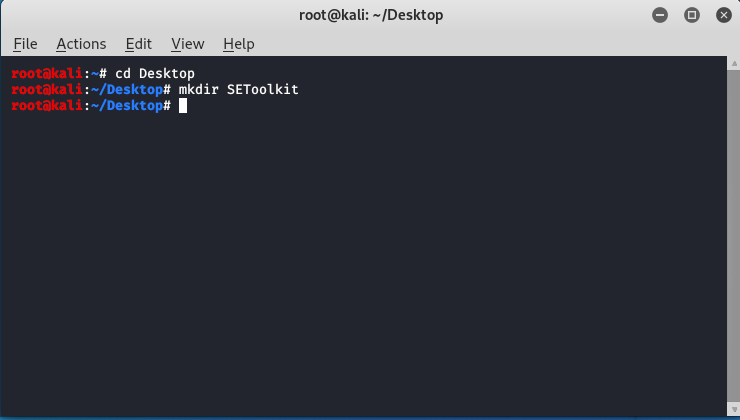
Step 3: Now as you are in the Desktop directory however you have created a SEToolkit directory so move to SEToolkit directory using the following command.
cd SEToolkit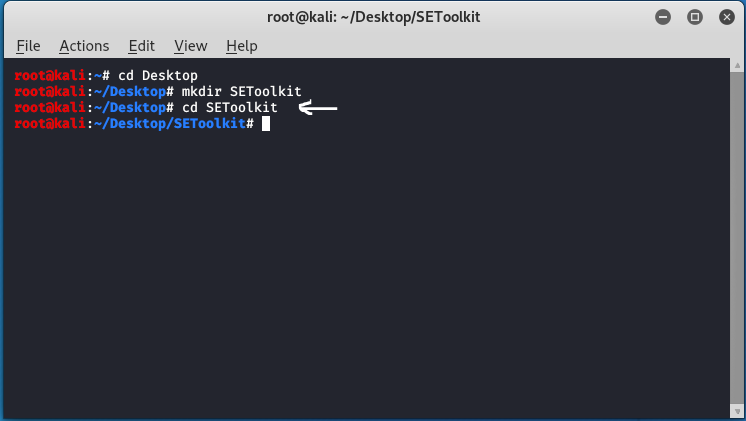
Step 4: Now you are in SEToolkit directory here you have to clone SEToolkit from GitHub so you can use it.
git clone https://github.com/trustedsec/social-engineer-toolkit setoolkit/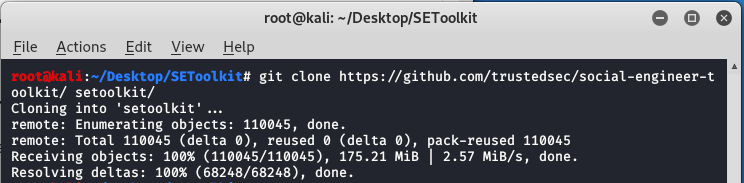
Step 5: Social Engineering Toolkit has been downloaded in your directory now you have to move to the internal directory of the social engineering toolkit using the following command.
cd setoolkit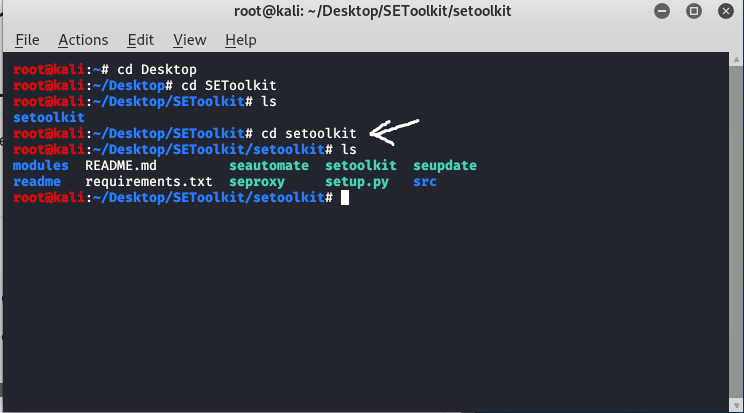
Step 6: Congratulations you have finally downloaded the social engineering toolkit in your directory SEToolkit. Now it's time to install requirements using the following command.
cd setoolkit
pip3 install -r requirements.txt
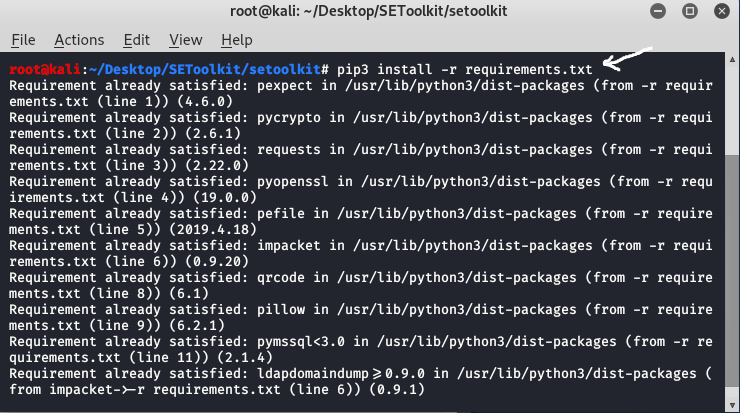
Step 7: All the requirements have been downloaded in your setoolkit. Now it's time to install the requirements that you have downloaded
python setup.py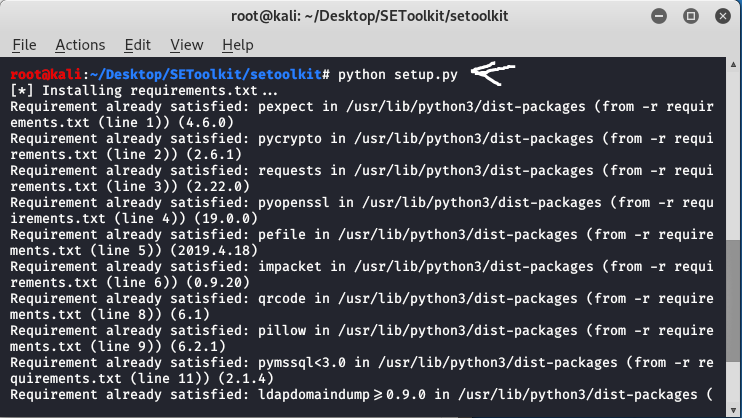
Step 8: Finally all the processes of installation have been completed now it's time to run the social engineering toolkit .to run the SEToolkit type following command.
setoolkit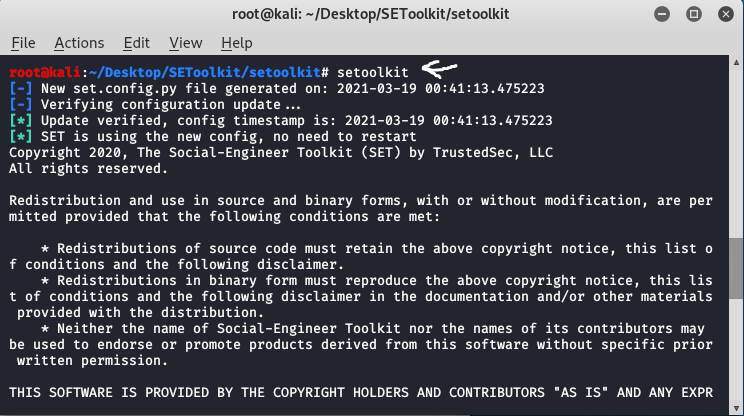
Step 9: At this step, setoolkit will ask you (y) or (n). Type y and your social engineering toolkit will start running.
yStep 10: Now your setoolkit has been downloaded into your system now it's time to use it .now you have to choose an option from the following options .here we are choosing option 2
Website Attack Vectors:
option : 2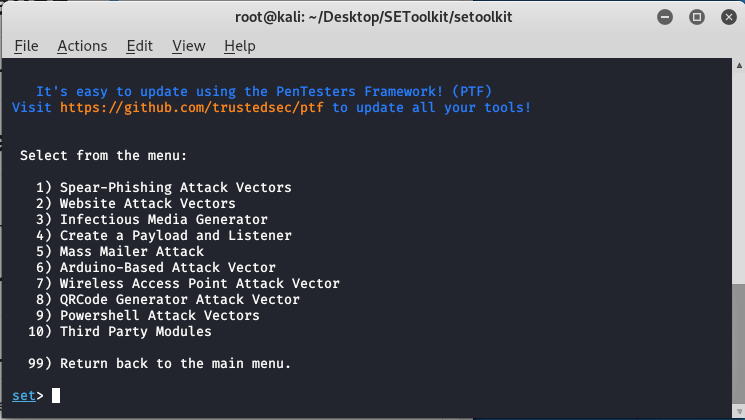
Step 11: Now we are about to set up a phishing page so here we will choose option 3 that is the credential harvester attack method.
Option : 3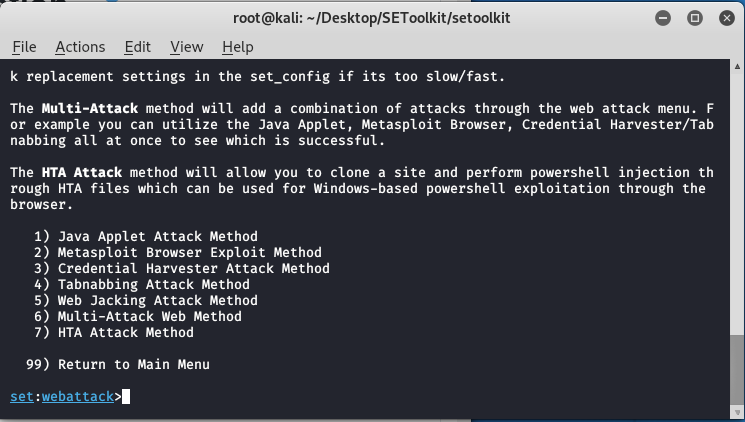
Step 12: Now since we are creating a Phishing page so here we will choose option 1 that is web templates.
option 1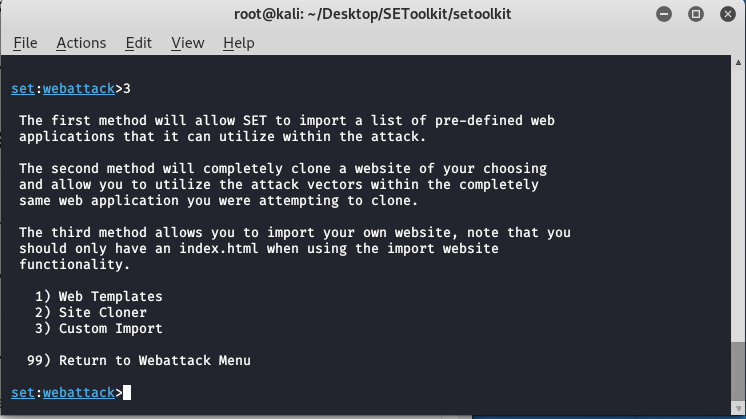
Step 13: At this time the social engineering tool will generate a phishing page at our localhost.
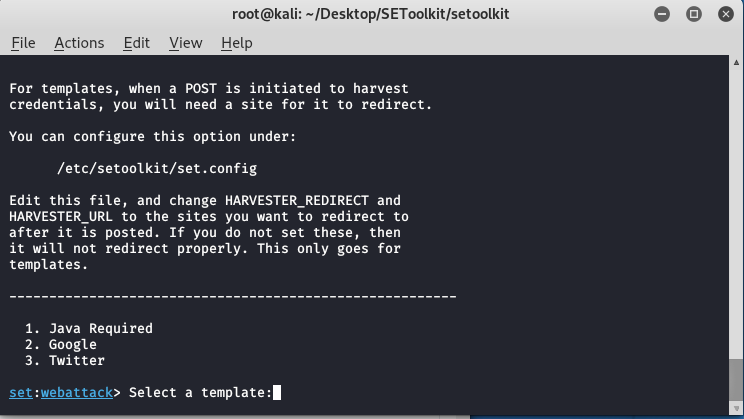
Step 14: Create a google phishing page so choose option 2 for that then a phishing page will be generated on your localhost.
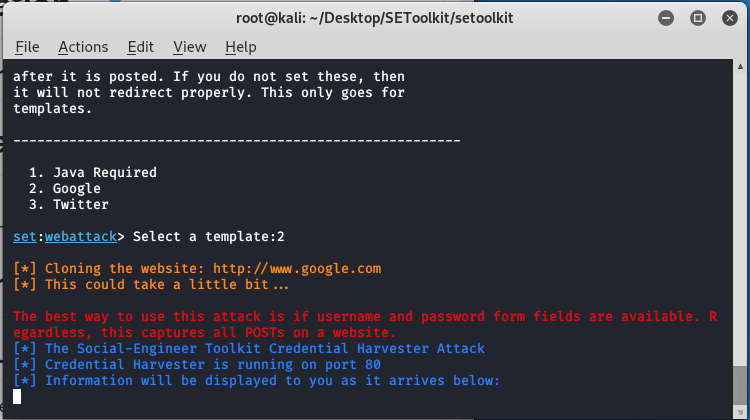
Step 15: Social engineering toolkit is creating a phishing page of google.