

Nexphisher is an open-source, automated phishing simulation tool written in Bash, primarily designed for security analysts, penetration testers and educators. It streamlines the creation of social engineering assessments by combining cloned website templates, local web server hosting and reverse-tunneling services into a single command-line interface. Key Features:
- Automated Server Deployment: Launches a localized web server instantly without manual Apache or Nginx configuration.
- Turnkey Phishing Templates: Includes dozens of pre-made, high-fidelity login page clones for popular social media, email and cloud services.
- Port Forwarding Bypasses: Integrates built-in tunneling tools (like Ngrok, LocalXpose or Cloudflared) to generate public-facing URLs instantly.
- Real-Time Credential Logging: Captures inputted text, usernames, passwords and IP addresses, saving them locally for analysis.
- Modern Delivery Methods: Generates unique QR codes linking directly to the phishing simulation for physical security testing.
Nexphisher Working
The operational workflow of Nexphisher relies on a modular Bash script that coordinates web server setup, page rendering, network tunneling and data logging into a single, automated sequence.
- Phase 1(Environment Initialization): The script checks for required dependencies like PHP, SSH and curl, installing missing packages automatically.
- Phase 2(Template Selection): The user selects a target platform from a text menu, prompting the tool to copy the relevant pre-built HTML/CSS files into the active working directory.
- Phase 3(Server Execution): Nexphisher spawns a local PHP development server hosting the selected login page clone.
- Phase 4(Reverse Tunneling): The tool establishes an encrypted SSH or API tunnel via services like Cloudflared or LocalXpose, mapping the local PHP port to a randomly generated, public HTTPS address.
- Phase 5(Data Capture): A backend PHP script (login.php) intercepts POST requests from the cloned form, writing usernames, passwords and IP addresses to a plain text log file in real time.
Installing Nexphisher on Kali Linux
Step 1: Before we install any tool on Kali, we must first update all the pre-installed packages so that we do not encounter any errors while using the tool.
sudo apt-get update && apt-get upgrade -y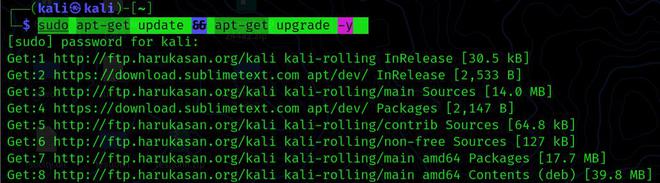
Step 2: The NexPhisher tool will now be cloned from the GitHub repository. Simply copy and paste the command below and the tool will be installed in less than a minute.
sudo git clone git://github.com/htr-tech/nexphisher.git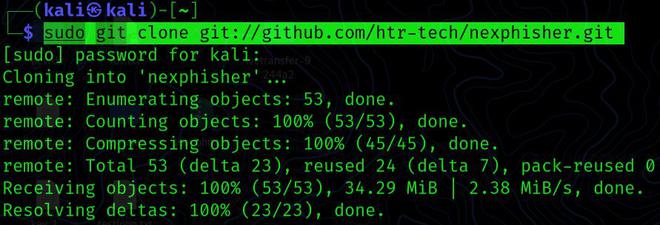
Step 3: Now that the Archive file from Github has been installed in your kali, we must move the working directory to the nexPhisher folder.
cd nexphisher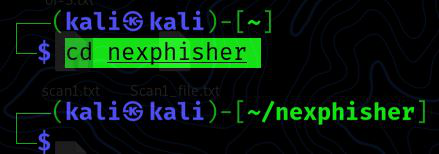
Step 4: We'll install all the necessary requirements for the Nexphisher tool to operate in this phase. Don't worry, we're not going to install them one by one; instead, we'll run the "Setup" file created by the Nexphisher using the command below.
sudo bash setup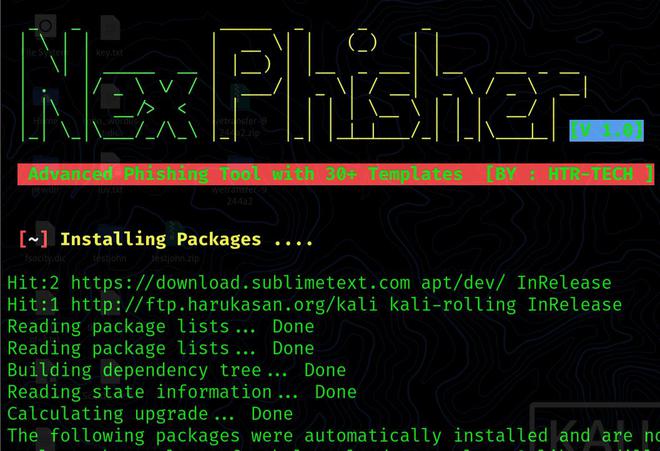
To use the NexPhisher Tool, simply run the bash file provided in the tool; simply type the following command and the tool will begin to run.
bash nexphisher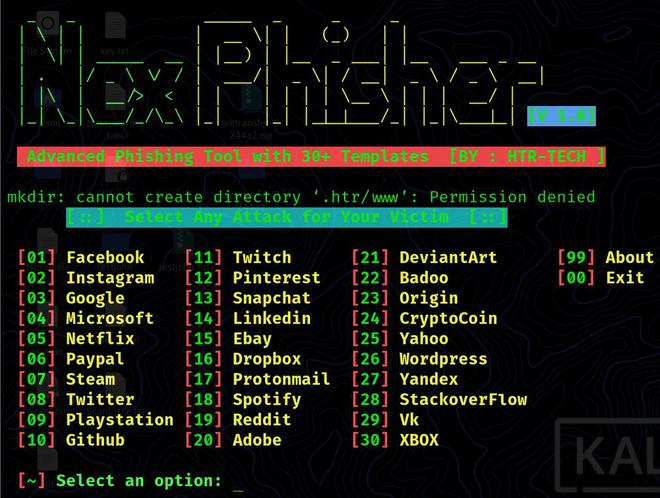
The Nexphisher tool's main menu will now appear. Now you must choose a social networking platform, such as Facebook or Instagram. To choose a social media, type the number in front of it and press Enter. Type 2 to select Instagram.
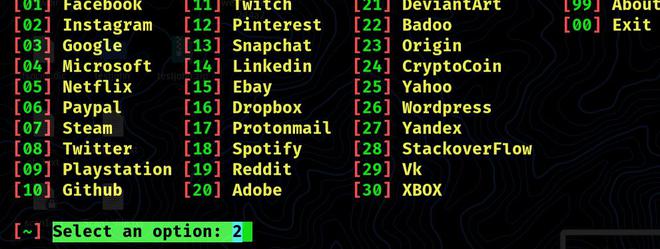
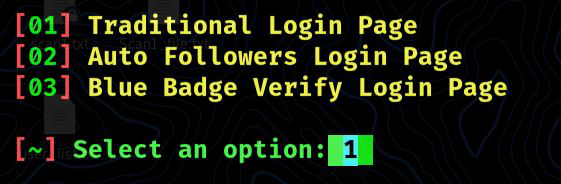
You may now choose any choice you choose, depending on your social engineering strategies. All of the alternatives are fantastic; but, for basic Instagram hacking, choose option 1 and click Enter.
After picking the phishing template, you will be presented with a number of port forwarding choices from which to choose.
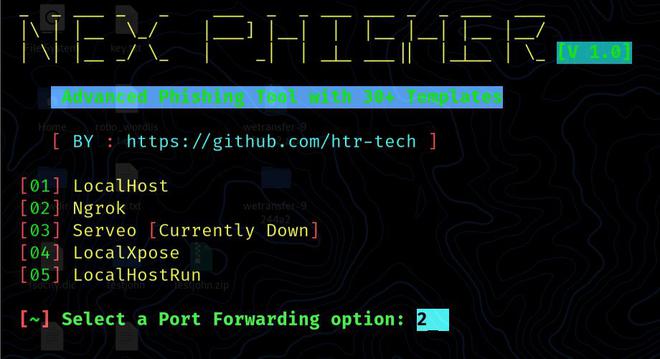
Your link will be generated here and all you have to do now is copy it and email it to the victim. Keep in mind that you must copy the entire URL.
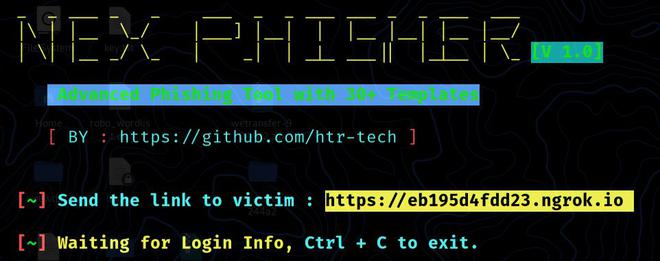
After the victim clicks on the link, the phishing website looks like this.
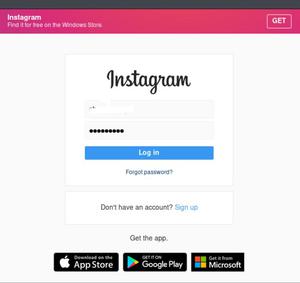
Wait, when the victim clicks on the link, he will be sent to a phony Instagram page, where he will fill out the information and click the login button and you will have the victim's username and password. To exit the tool, use CTRL + C on your keyboard.
