

Keep Page Order Clear
Export separate pages in the same sequence as the source PDF, ready for review or sharing.
Upload a PDF, describe the page handling you need, and review the converted PNG pages for order, clarity, and layout fidelity.
Prompt Guide
Model
Turn reports, slides, worksheets, scans, and design files into separate PNG pages while preserving order, layout, and visual details for your next workflow.

See how different document types can become clean, separate PNG pages for review, sharing, and creative work.
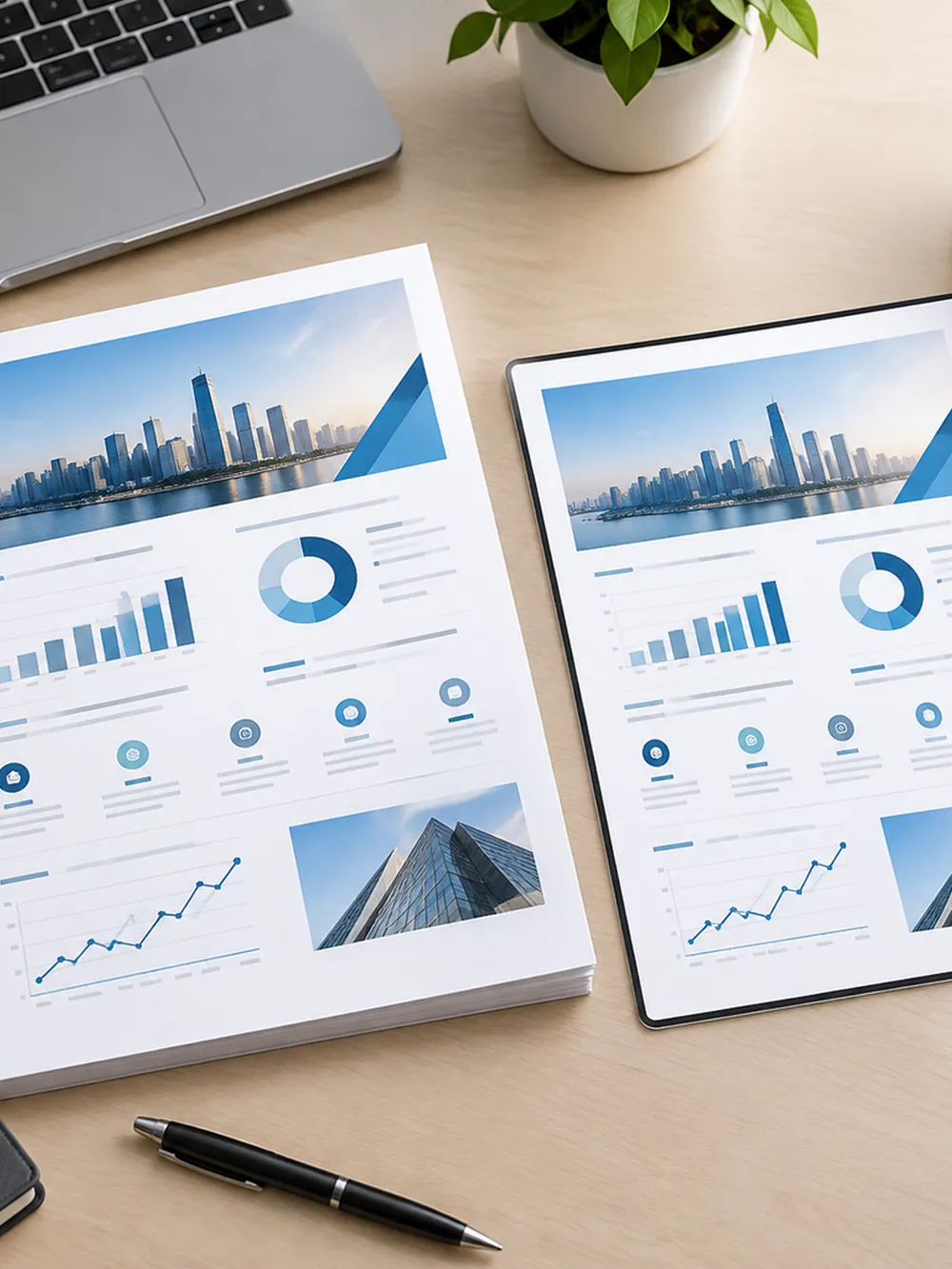 Documents & Reports
Convert a fictional annual report page into a crisp PNG preview, preserve tables and charts, clean office desk, no readable text or logos.
Try This Prompt Business Documents
Convert a generic receipt PDF page into a clear image card on a phone and laptop, no readable text, personal data, or logos.
Try This Prompt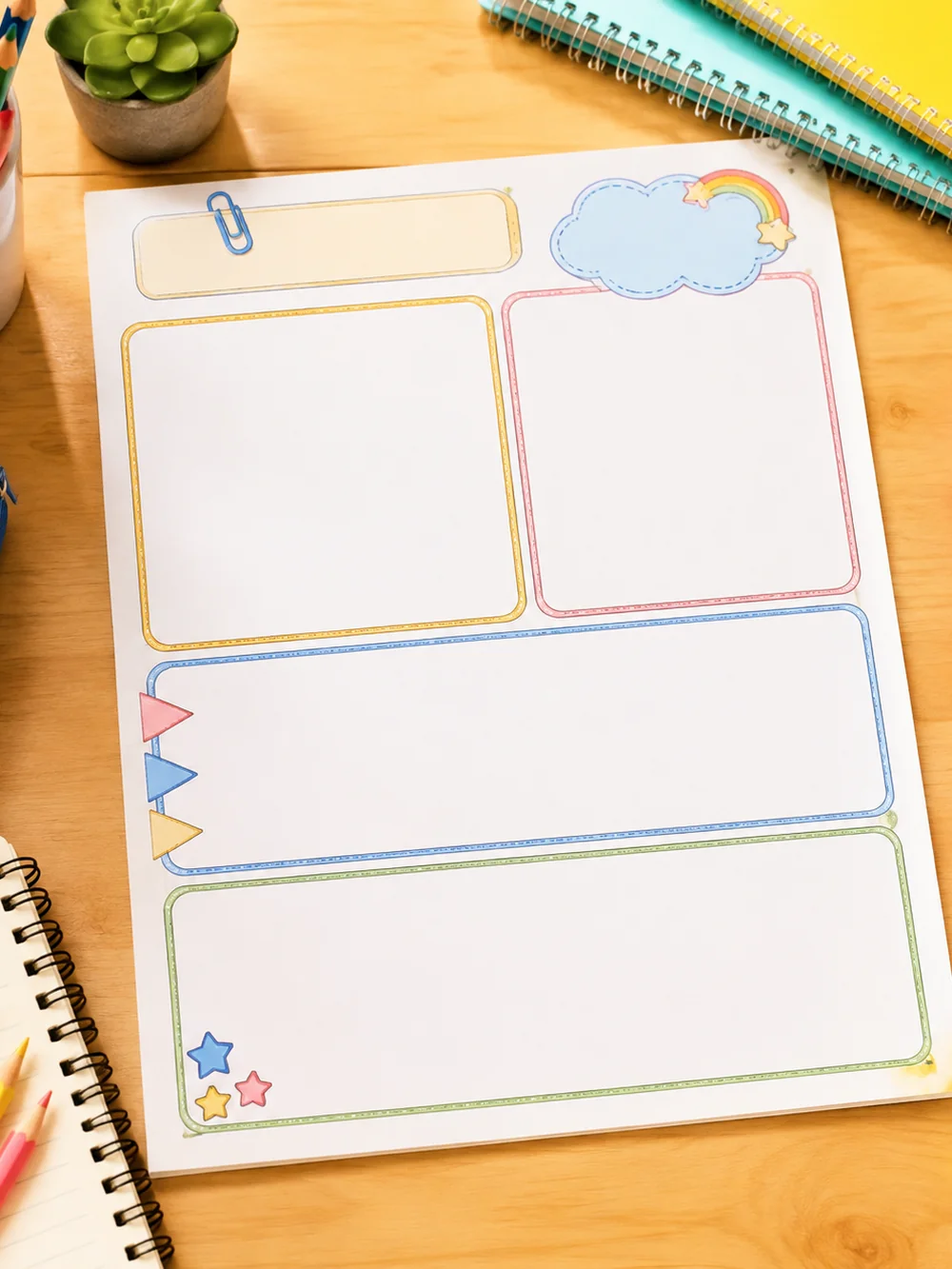 Education & Forms
Convert a blank educational worksheet into a high-resolution PNG preview, colorful study desk, shapes without readable words or logos.
Try This Prompt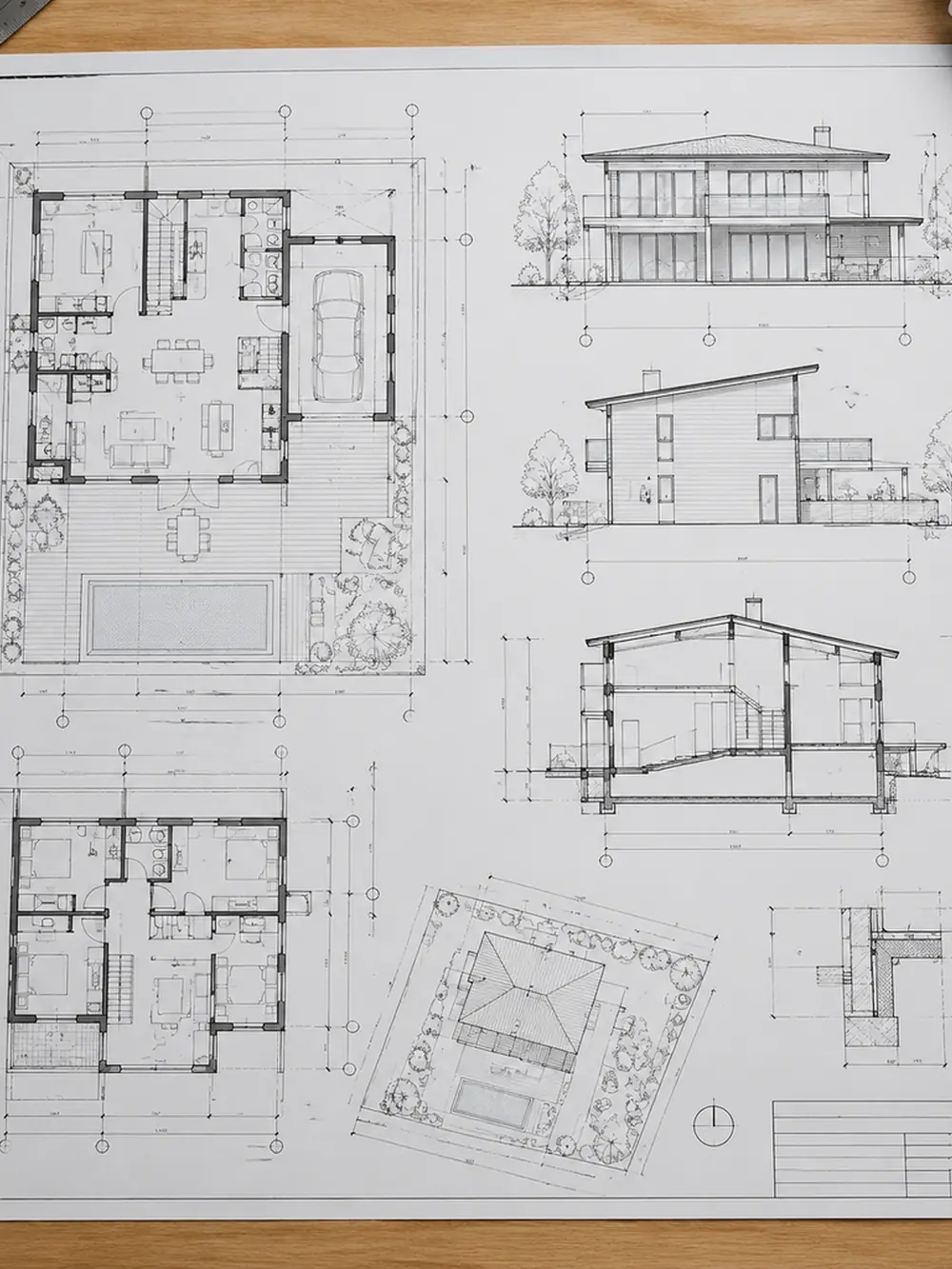 Design & Technical
Convert a fictional architectural blueprint PDF into a clean PNG sheet on a drafting table, technical lines without readable labels.
Try This Prompt Business Documents
Convert a generic contract page into a neat PNG preview on a laptop, professional desk light, text blurred and unreadable.
Try This Prompt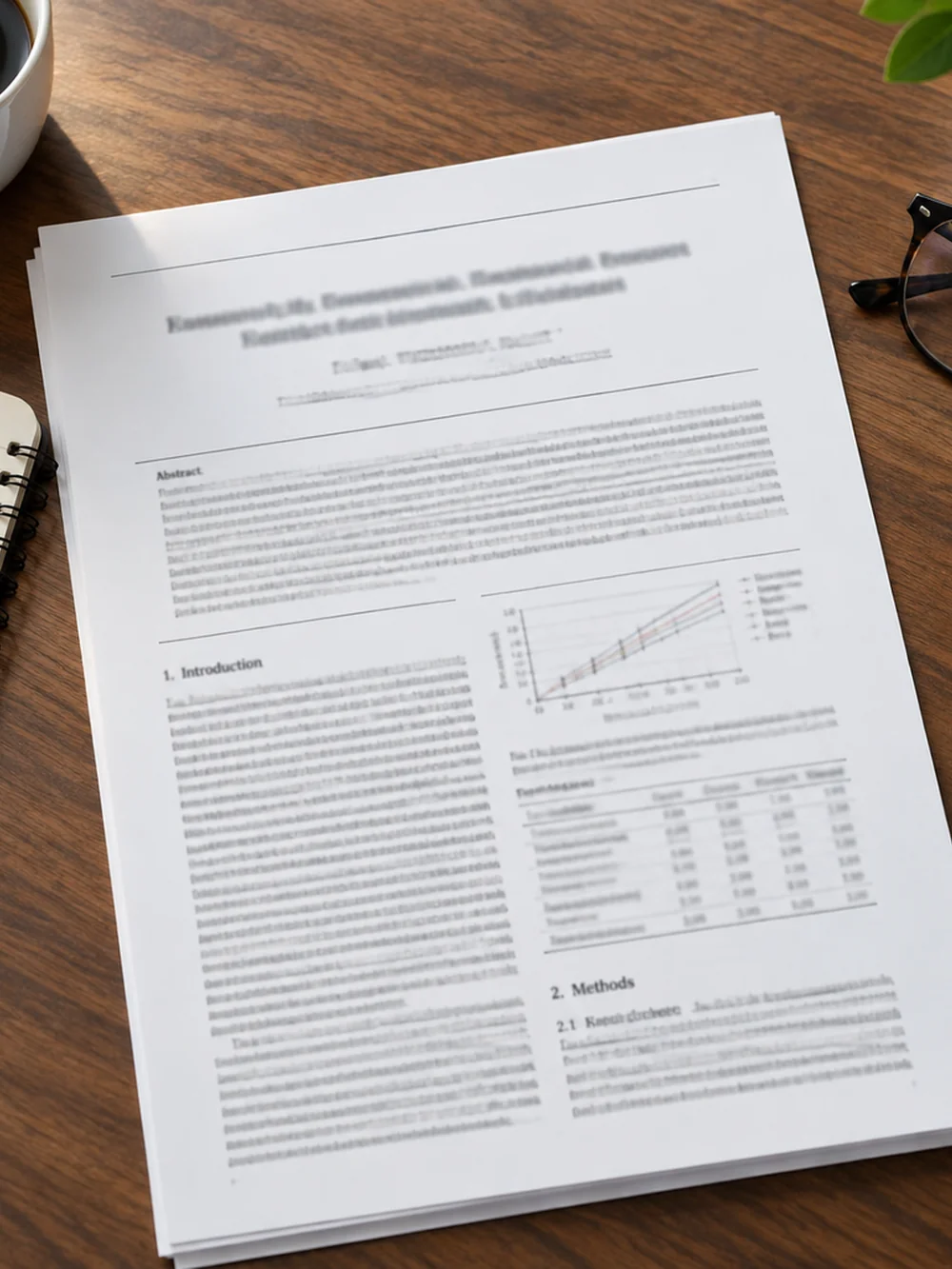 Documents & Reports
Convert a fictional research paper page into a high-resolution PNG preview, notebook and glasses, text intentionally unreadable.
Try This Prompt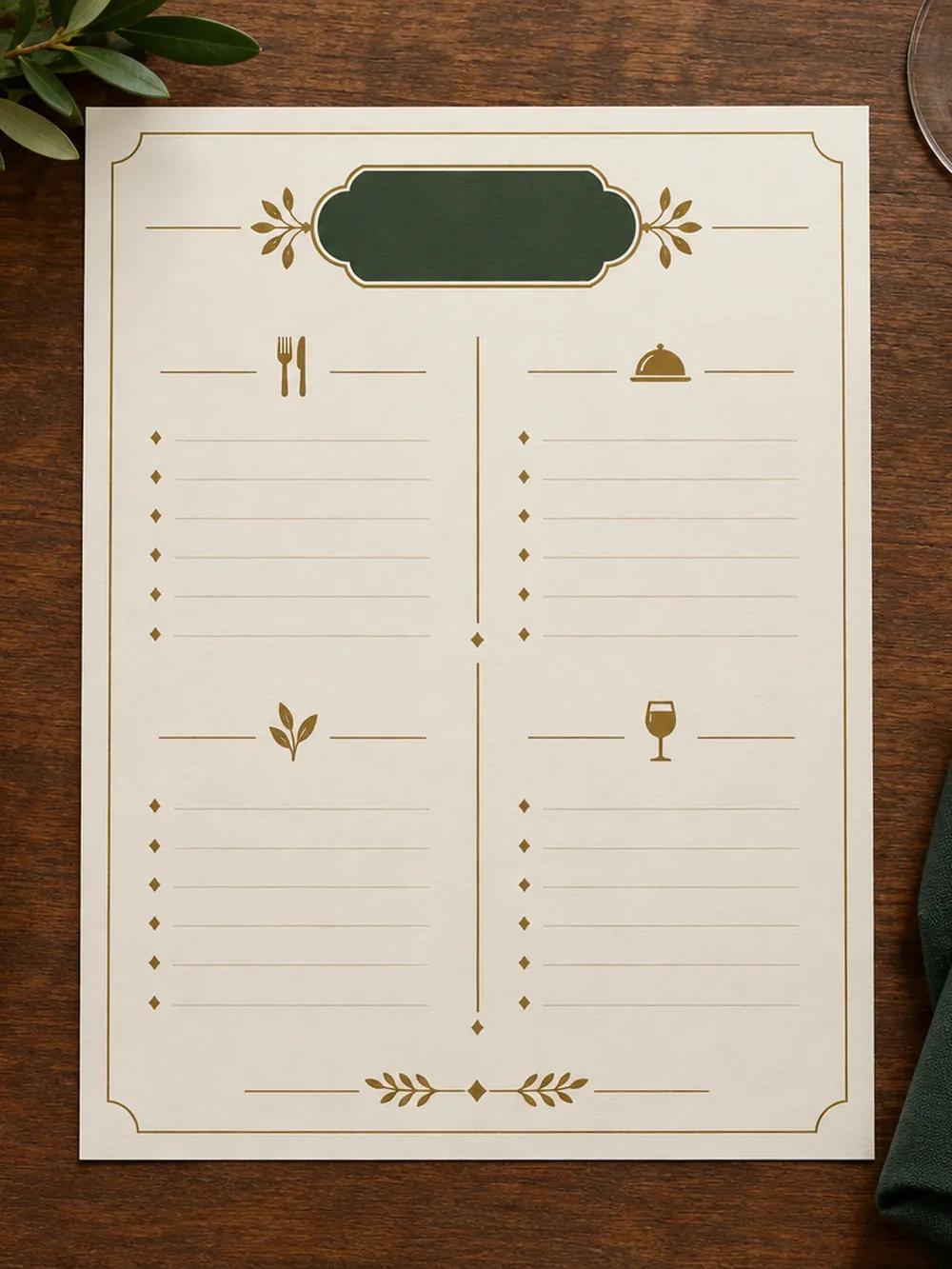 Marketing & Print
Convert a blank restaurant menu layout from PDF to PNG, styled tabletop scene, decorative shapes without readable words.
Try This Prompt Marketing & Print
Convert a colorful event poster layout into a PNG preview, abstract shapes and blank typography blocks, no readable text or logos.
Try This Prompt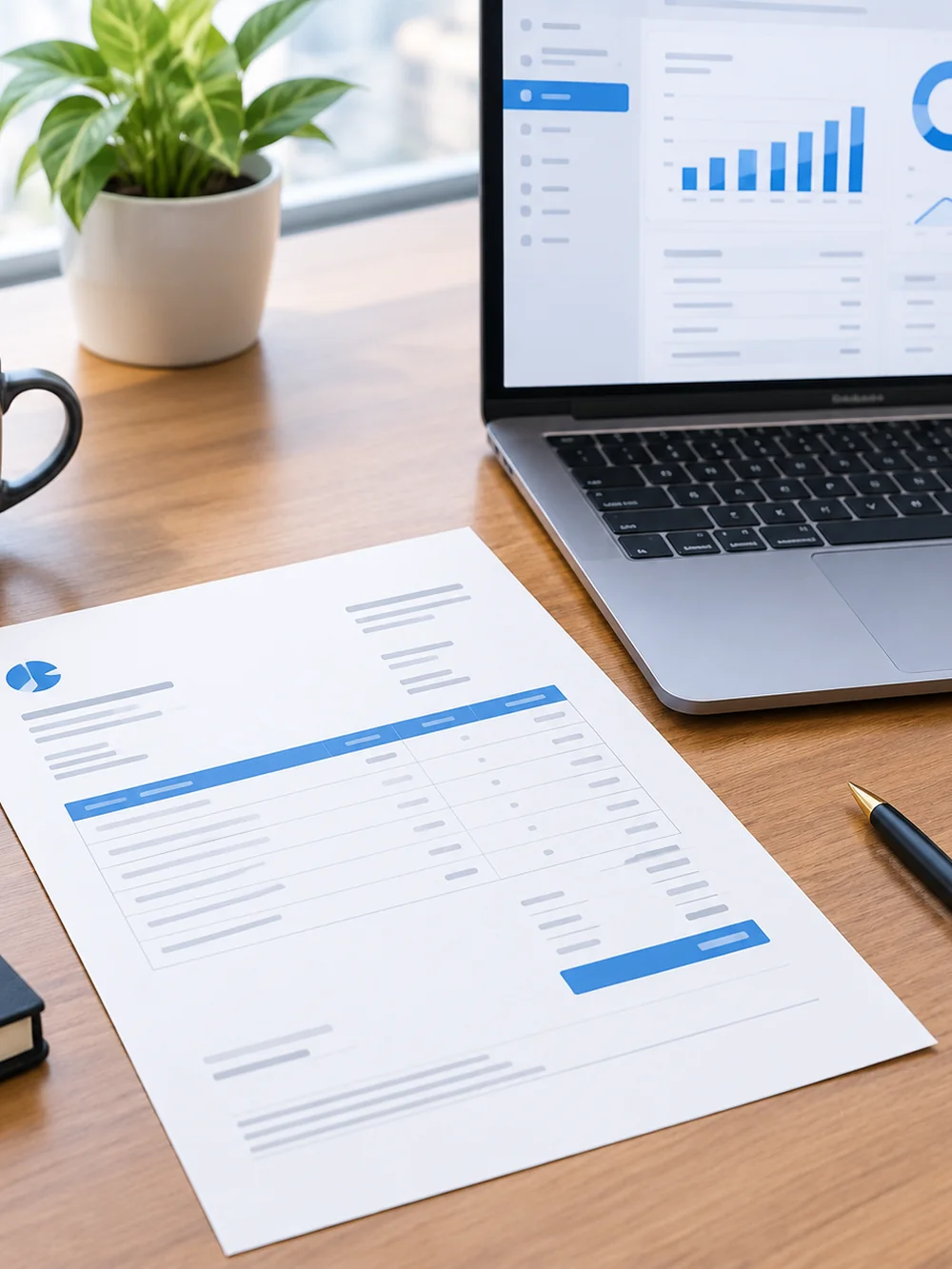 Business Documents
Convert a generic invoice layout into a clear PNG card beside a laptop, business workspace, no readable text or private data.
Try This Prompt Creative Projects
Convert an original four-panel comic layout into a crisp PNG sheet, playful studio desk, no copyrighted characters or readable text.
Try This PromptUse the PDF to PNG workflow for clear page images, predictable ordering, and a review step before sharing or publishing.
Export separate pages in the same sequence as the source PDF, ready for review or sharing.
Retain spacing, tables, diagrams, margins, and page boundaries throughout the conversion.
Turn document pages into PNG files that work well in previews, slides, and visual archives.
Prepare reports, scans, worksheets, posters, receipts, and design pages in one workflow.
Check text clarity, thin lines, charts, and edges before you rely on the exported images.
Describe a focused conversion goal so the output stays predictable and easy to inspect.
Illustrative workflows for teams, students, designers, and anyone who needs separate document page images.
I needed separate image pages for a slide deck. The PDF to PNG workflow kept the order clear and made review simple.
Converting a scan to PNG helped our team preview pages without opening the original PDF every time.
The preservation instructions are useful because they remind me to check charts, edges, and small text before sharing.
It turns PDF pages into separate PNG images while aiming to preserve page order, spacing, diagrams, tables, and other visible layout details from the source document.
Yes. Scanned pages can be exported as images, but review small text, thin lines, signatures, and edges because scan quality varies between documents.
Describe the pages or range you need and check the result before downloading. The exact page selection and account limits are shown in the current workflow.
Review page order, text clarity, charts, tables, margins, cropping, and any private information. Make sure the exported images match the purpose and audience.
