


Google Home 2.19.1.18 is rolling out right now on the Google Play Store. I received the update an hour ago on my Pixel 4, though the Play Store changelog hasn't been updated for me yet. Here's the changelog from the Apple App Store for the same version:
"Improved support for quickly turning your lights on and off from the Lights quick action.
The Feed tab highlights important activity from supported devices for you and other home members. Now you can see Nest Cam events in the Home feed."
I can confirm that both features are now present in the Android app. Here's what they look like.
New Lighting Shortcut
The Lights quick action replaces the "off" and "on" buttons at the top with a single "Lights" icon that, when tapped, brings up a sheet that lets you control all of your connected lights. Here's a screenshot:

Nest Cam events in Feed
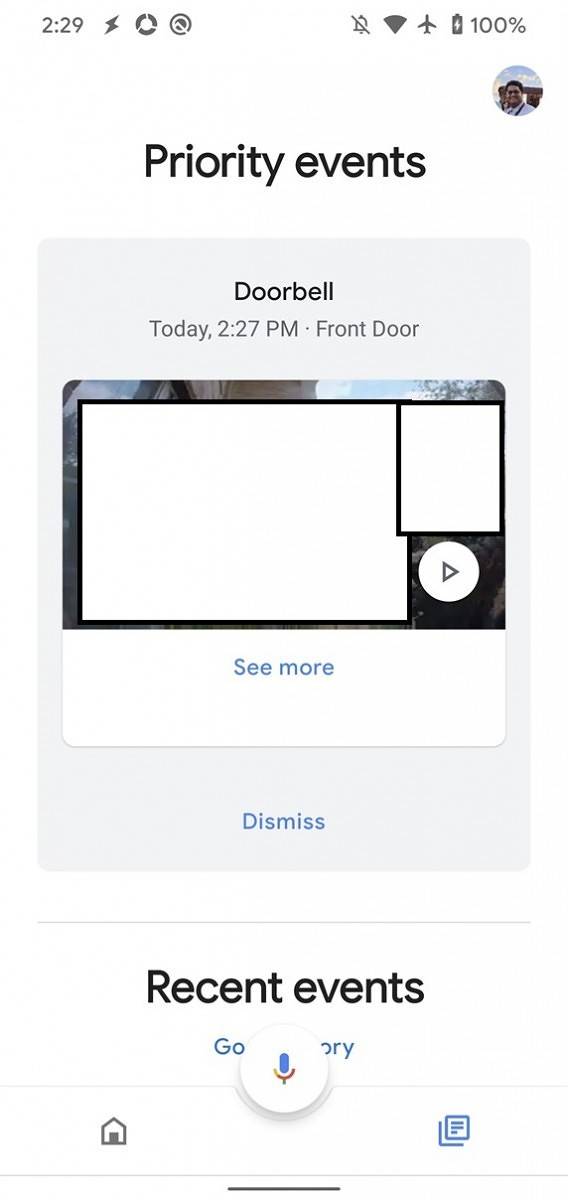
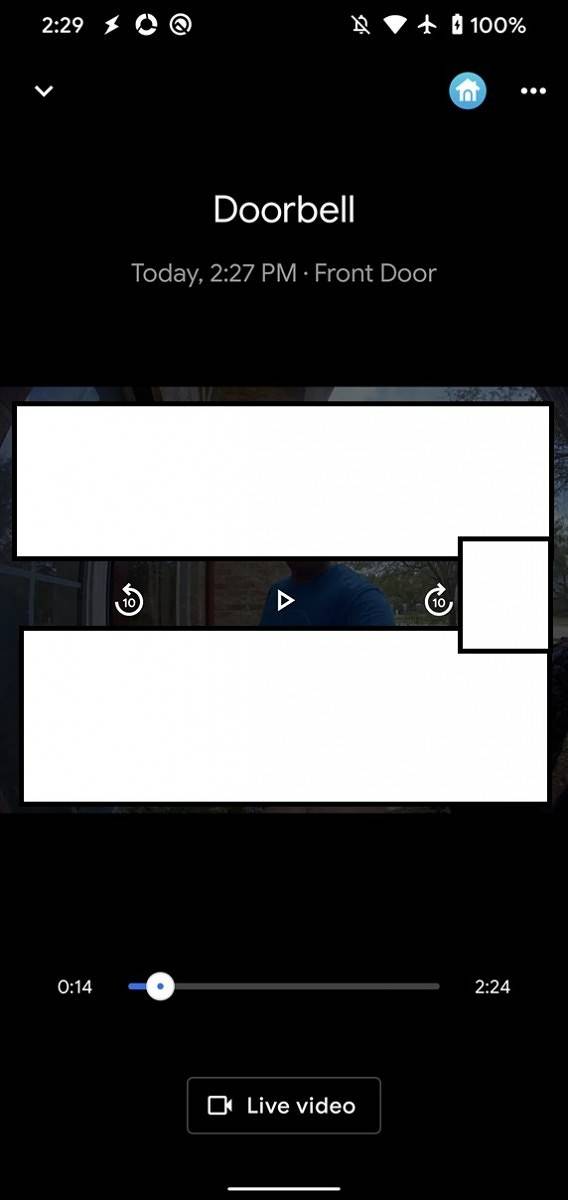
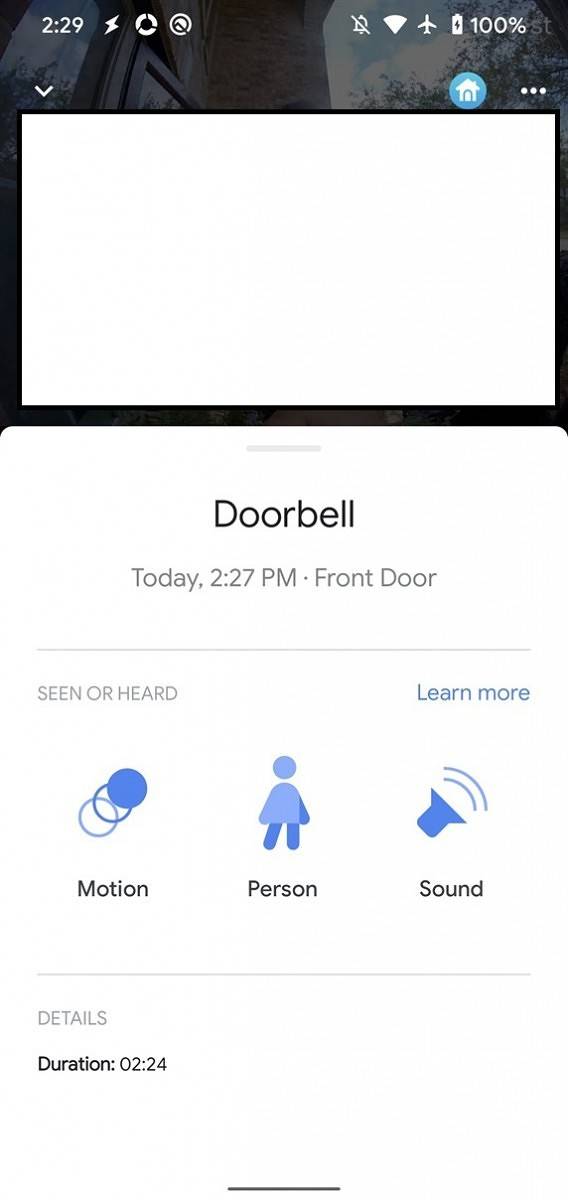
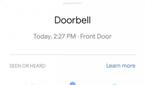
If you get a notification from your Nest Cam or Nest Hello Video Doorbell, you'll now see the event in the "Feed" tab of the Google Home app. You can see the preview of the event, dismiss the event, or tap "see more" to watch a few moments of the recent recording. You can play/pause the recording, forward/rewind 10 seconds, open the Live video feed, or check what details triggered the event (motion/person detected/sound heard.) The Feed tab was introduced as part of Google Home version 2.15.


Full History of Nest Cam Events
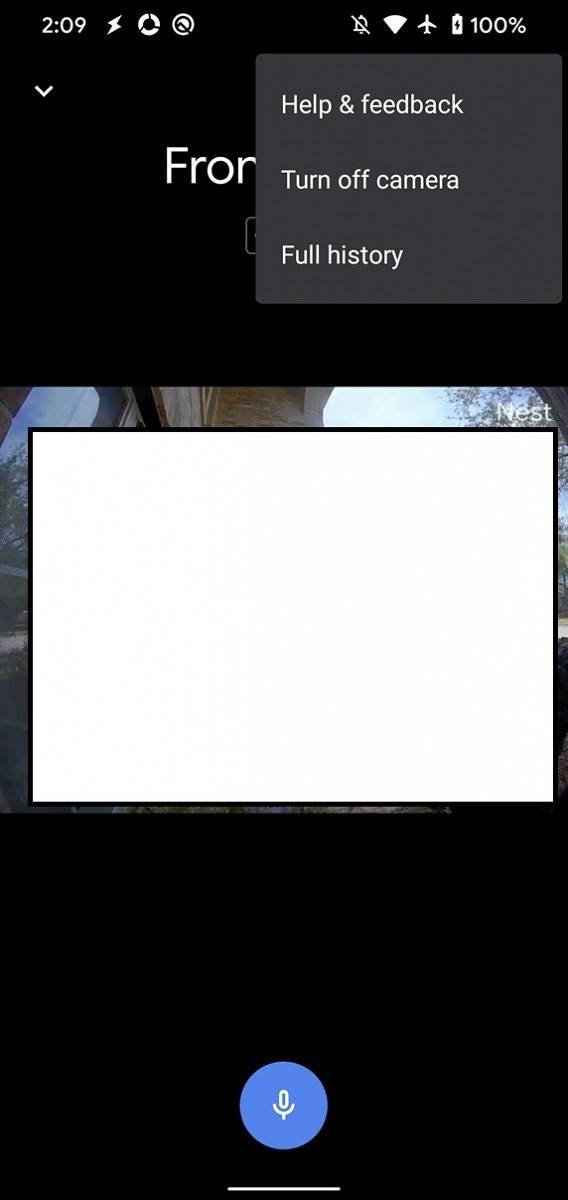
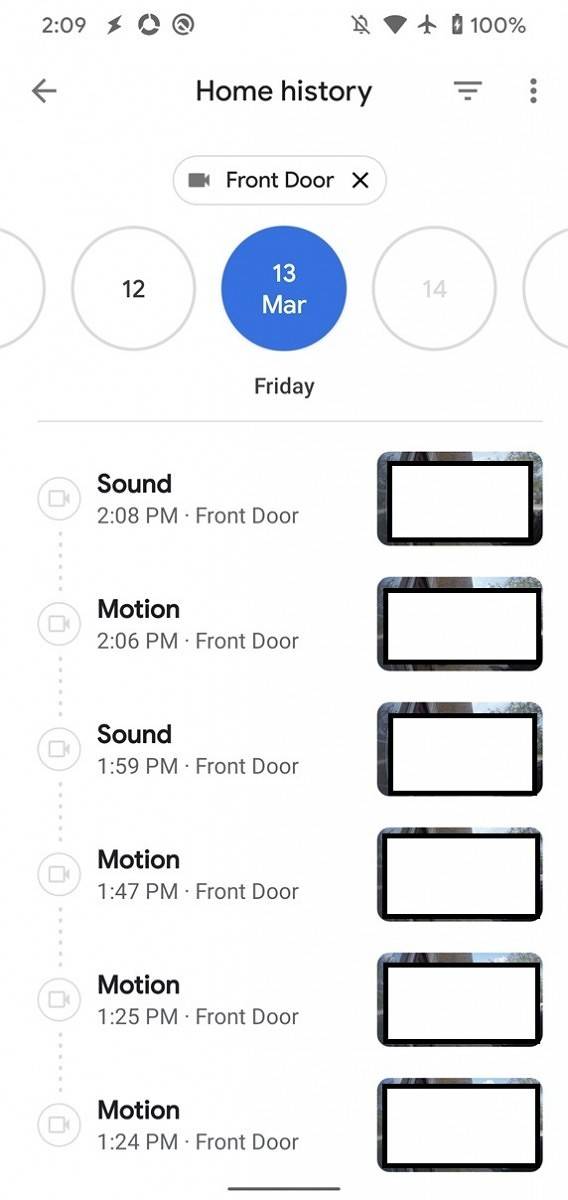
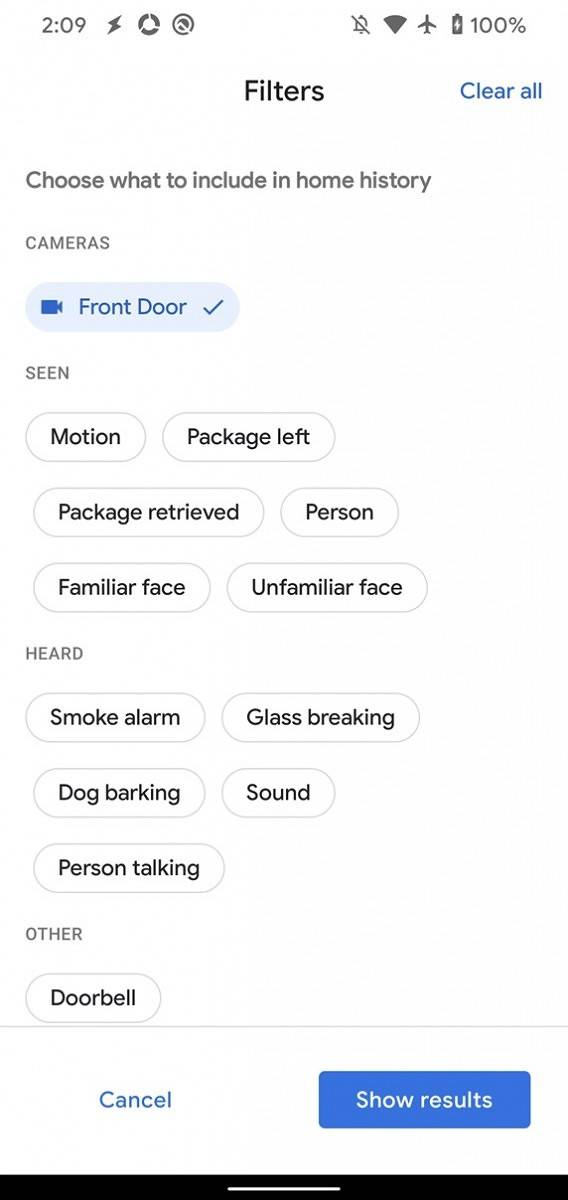
If you view the live camera feed of your Nest Cam or Nest Hello Video Doorbell in the Google Home app, you'll be able to view the full event history by tapping the three-dot menu and then tapping "full history." Here you can see the events that occurred each day in chronological order. You can filter events by the camera or doorbell that the event was detected on or why the event was triggered. Some of the event trigger filters include whether a package was detected, motion was detected, or a particular sound event such as a smoke alarm, glass breaking, or dog barking was heard.



An APK teardown can often predict features that may arrive in a future update of an application, but it is possible that any of the features we mention here may not make it in a future release. This is because these features are currently unimplemented in the live build and may be pulled at any time by the developers in a future build.
Nest Aware Integration
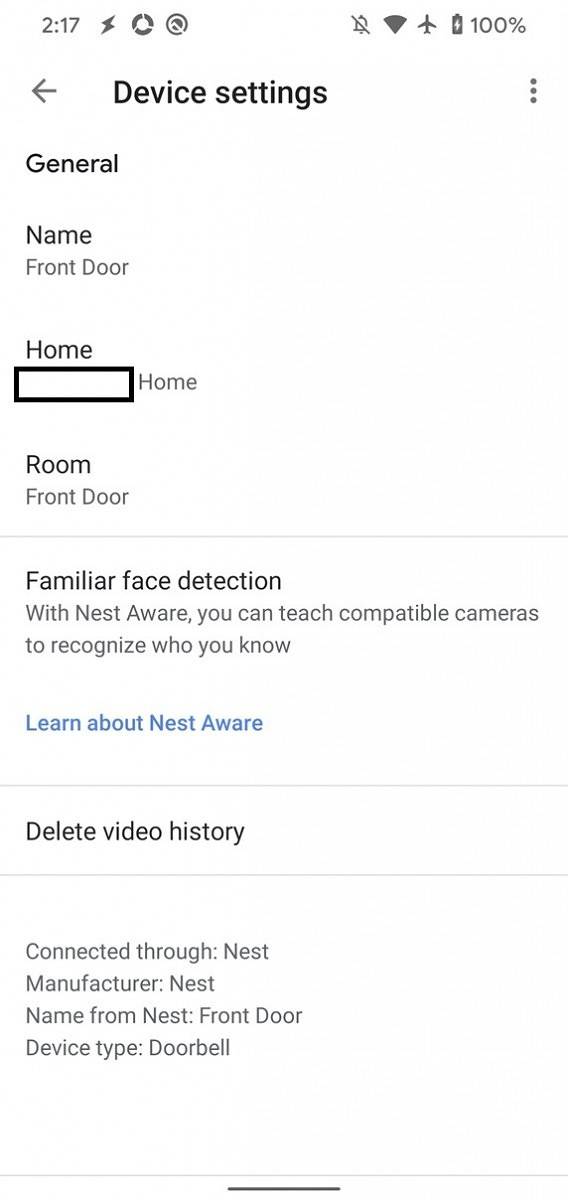
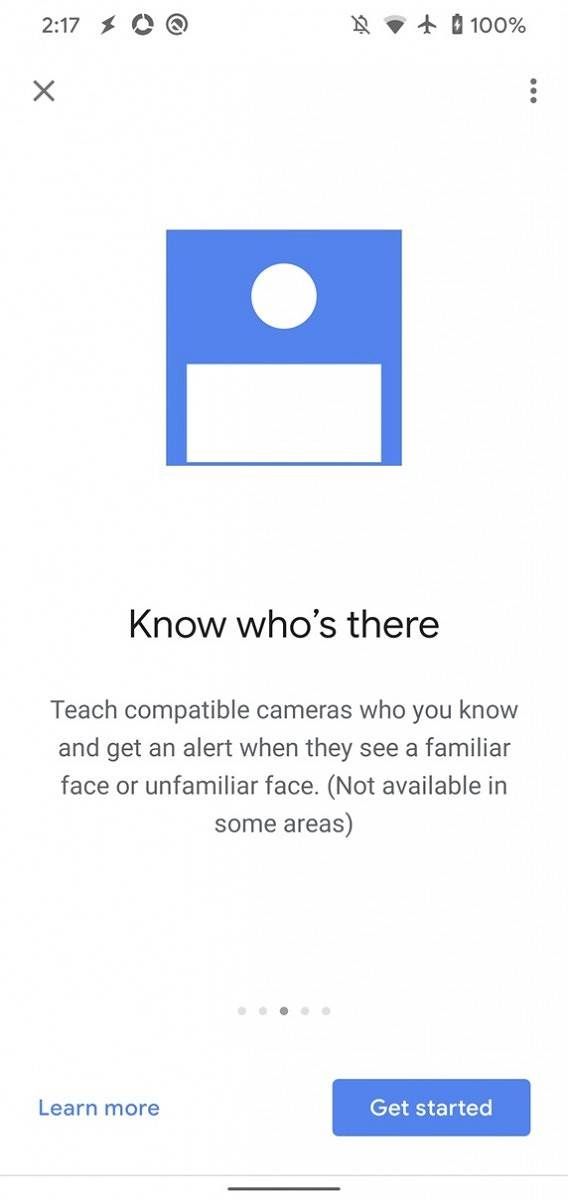
At the Made by Google 2019 event, Google promised that the Nest app's features will eventually be included in the Google Home app. Google also detailed a new Nest Aware subscription. It seems we're getting closer to the two apps merging, as we managed to surface a new "Nest Aware" setting in the Google Home app's settings page. In the device settings page for my Nest Hello Video Doorbell, I also spotted text for "familiar face detection."


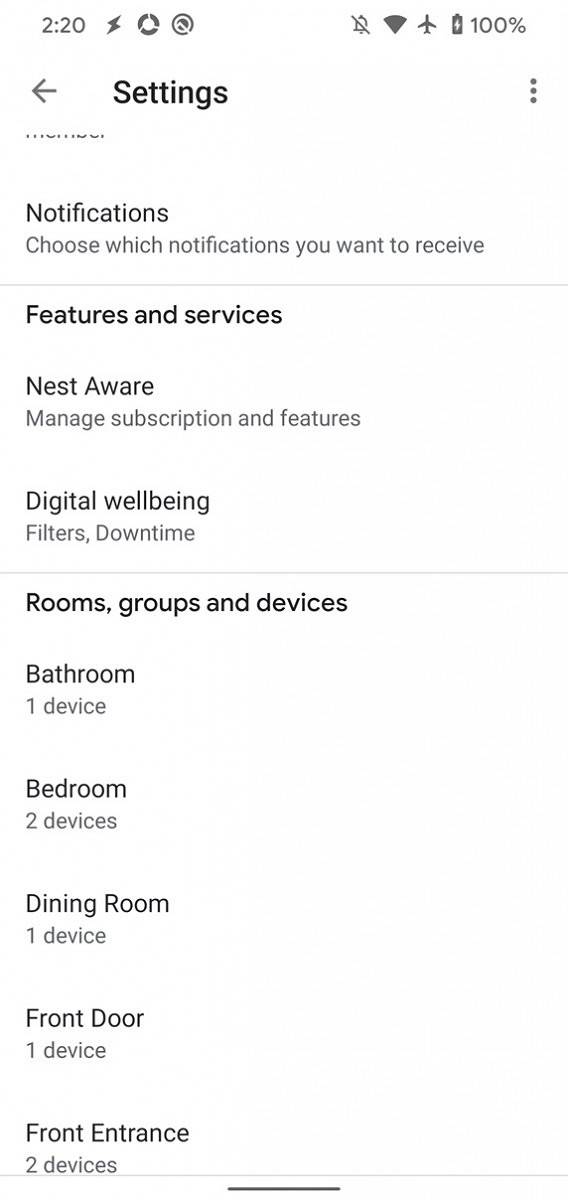
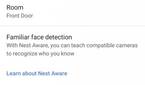
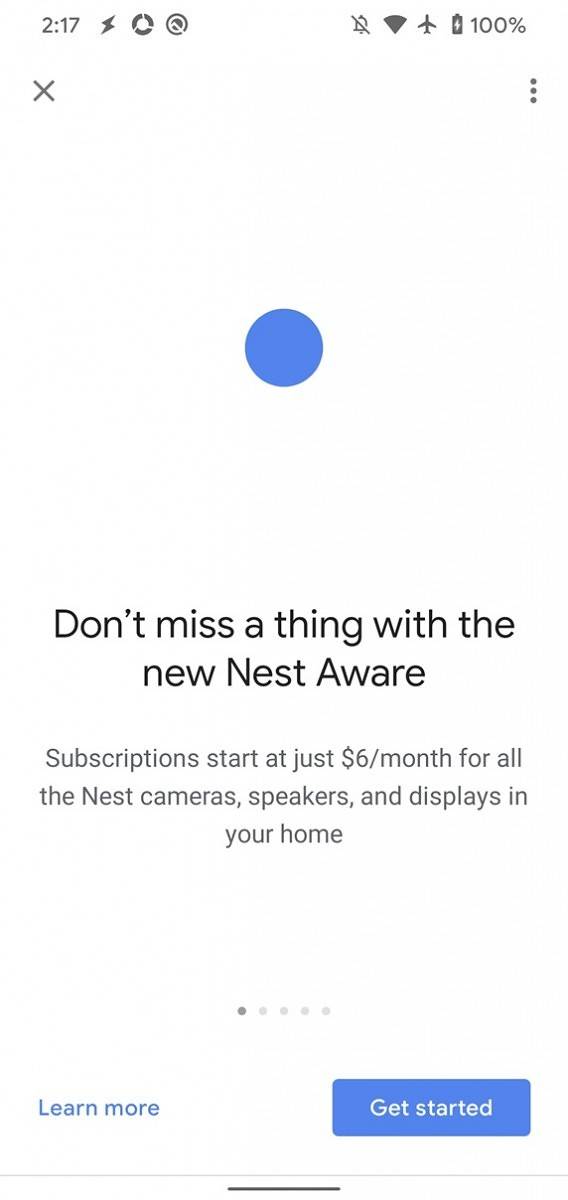
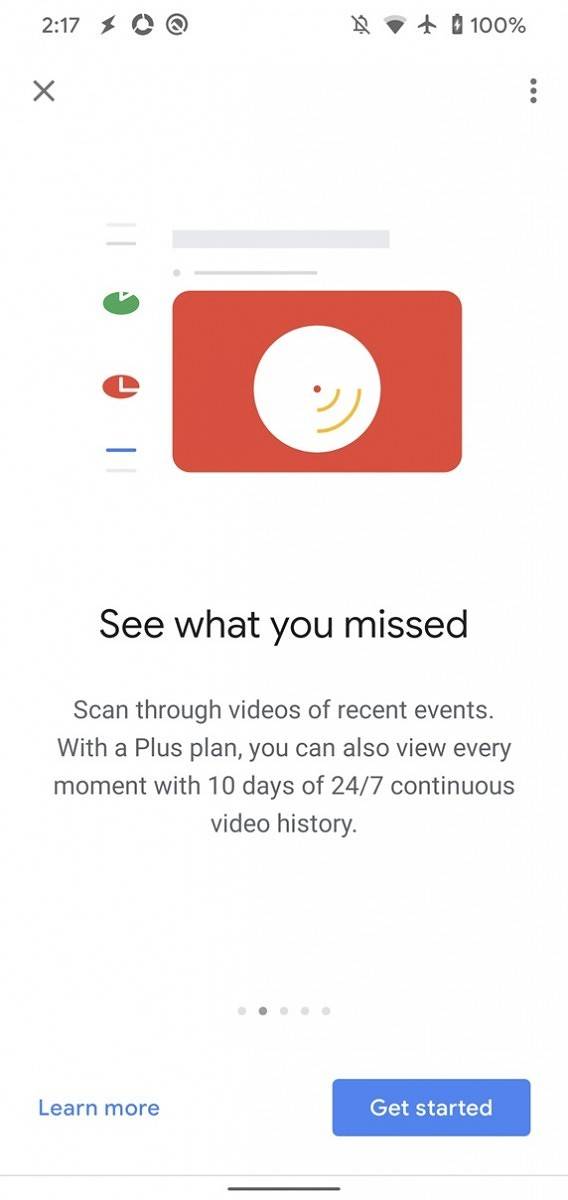
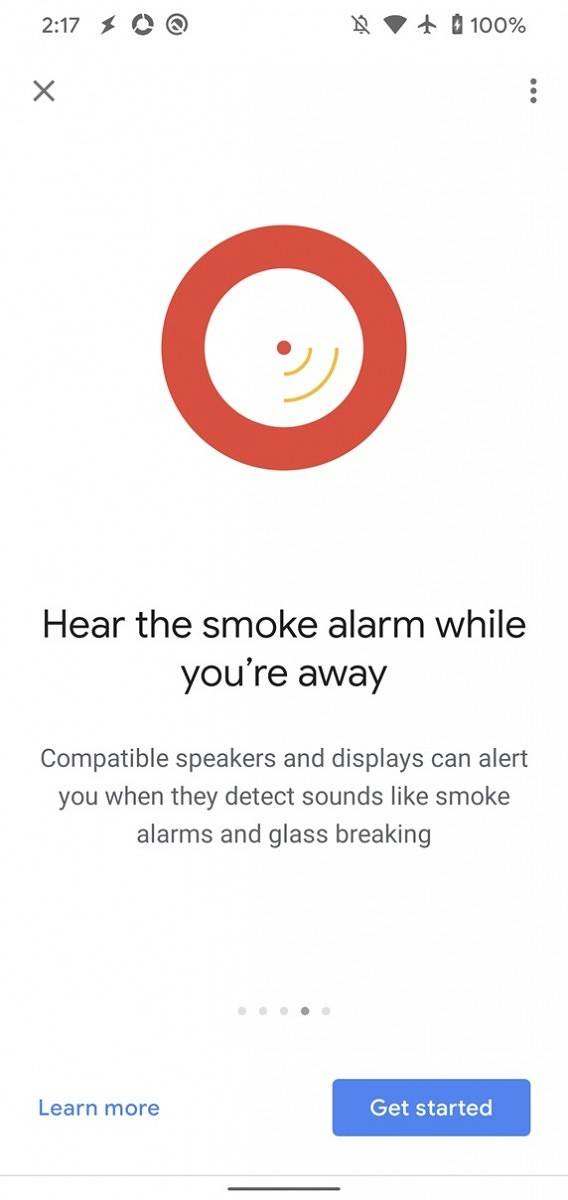
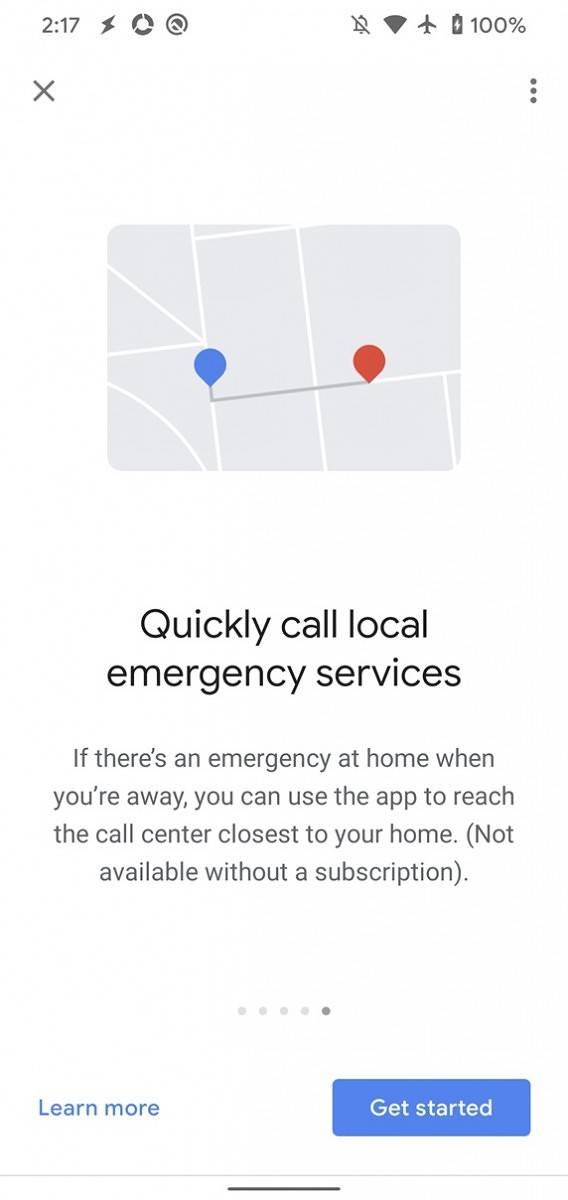
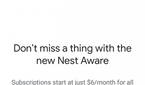
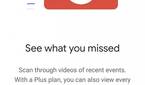
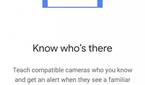
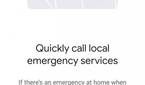
Within the Google Home app, there is also a new onboarding activity for new Nest Aware subscribers. The onboarding screens teach you what the new Nest Aware subscription offers.



Emergency Calling
As part of the new Nest Aware subscription service, the Google Home app will allow you to trigger a call to your local emergency services for your home.

Lastly, a new "safety_tips" file outlines some tips that Google may provide if an emergency is called. For example, if you call an emergency for an intruder or the smoke alarm, you may get one of these tips.
Google Home 2.19.1.18 is rolling out now on the Google Play Store. The update brings a lot of user-facing changes to the app, so we'll be doing some more digging to see if there are also other interesting user-facing or under-the-hood changes.
Thanks to PNF Software for providing us a license to use JEB Decompiler, a professional-grade reverse engineering tool for Android applications.
