November 17, 2026
|
5 min read



Blazingly fast way to build, track and deploy your models!
Both LiteLLM and OpenRouter give you one API for many language models. The difference is who runs it. With LiteLLM you do, on your own infrastructure. With OpenRouter, they do, and you pay for the convenience. That one difference drives almost every other trade-off, from cost and security to how much control you have over data and routing.
This guide compares the two side by side and covers when each makes sense. It also covers a security issue that anyone self-hosting should know about.
OpenRouter is a hosted gateway. You create one account, buy credits, and call hundreds of models from many providers through a single OpenAI-compatible endpoint. It handles provider routing and failover, and shows usage and cost in a dashboard. There is nothing to deploy.
Where it works well. Prototyping is the clearest case. You can try a new model by changing one string, without signing up with each provider. It also suits small teams that don't want to run infrastructure, and apps that want automatic failover across providers.
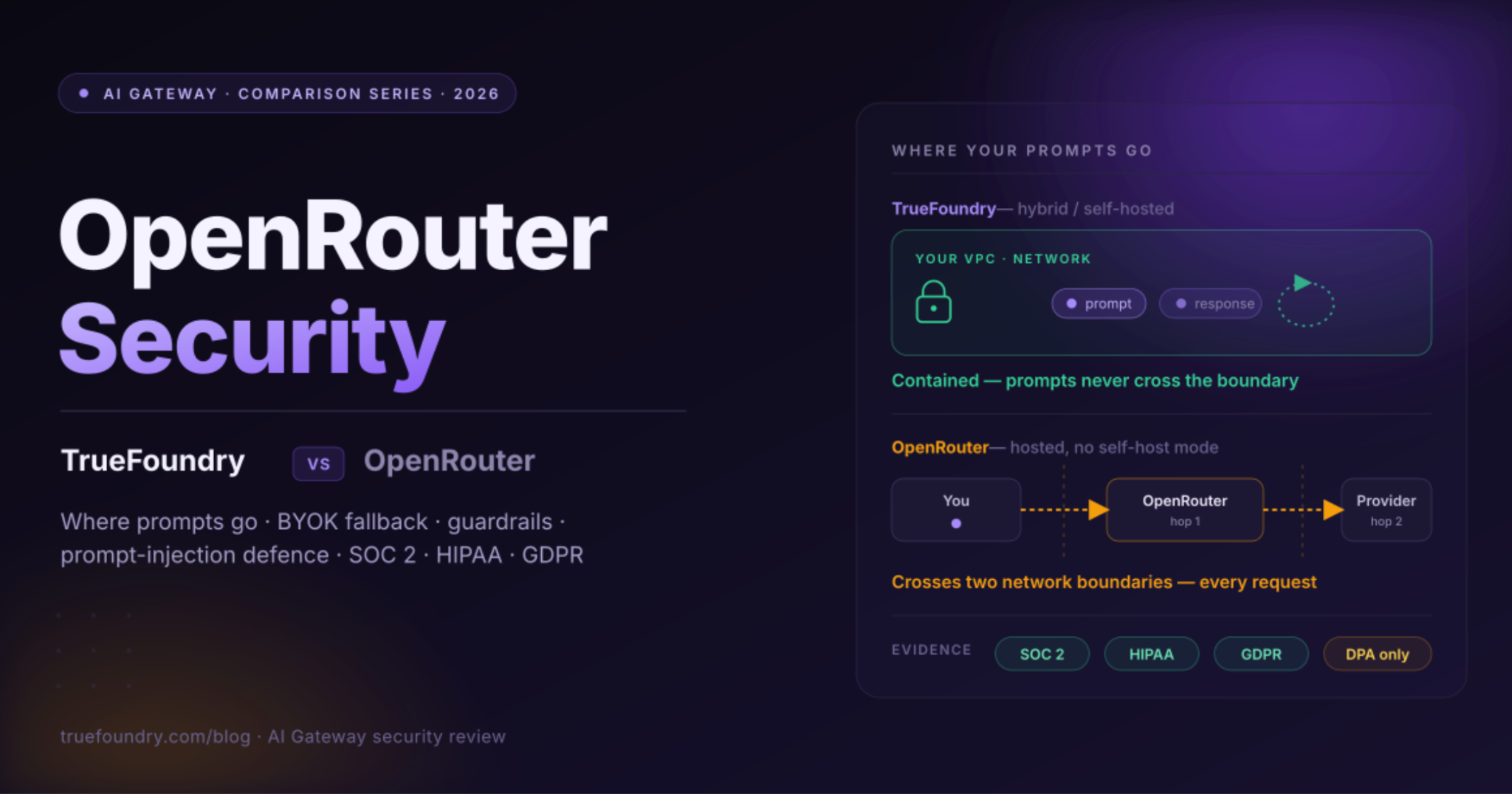
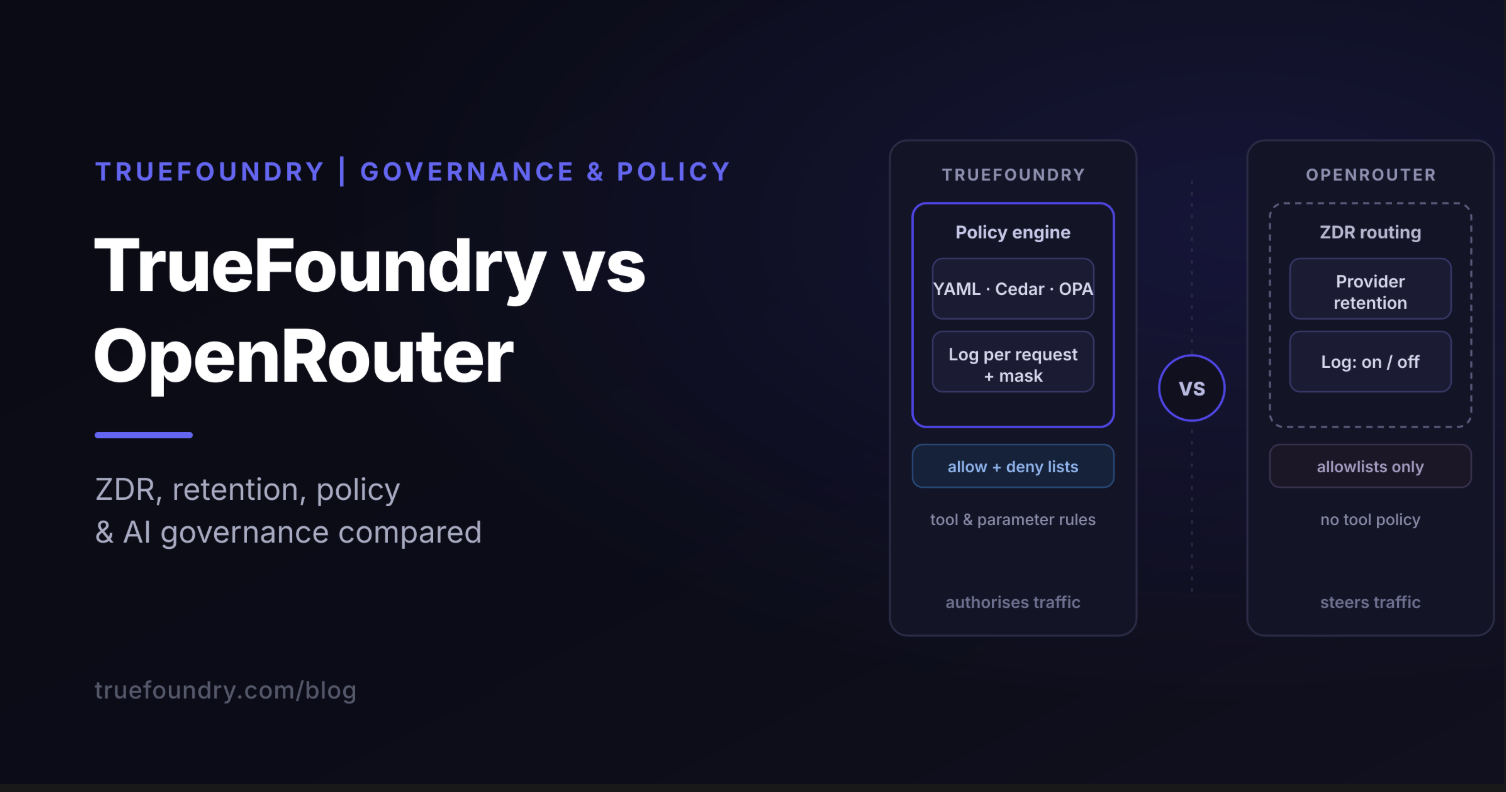
Where it falls short. It is a hosted service, so requests pass through a third party and you can't run it inside your own network. Credit purchases carry a fee of about 5.5%, which adds up at scale. Governance is account-level rather than the per-team policy many enterprises need. If that gap matters, see our list of OpenRouter alternatives.
LiteLLM is open-source software with two parts. The Python SDK lets you call 100+ providers through one interface from your code. The proxy server (sometimes called the LiteLLM gateway) runs as a central service, so every team calls one endpoint while the proxy handles routing, retries, fallbacks, virtual keys and spend tracking.
Where it works well. Platform teams use it to give every internal app one entry point with budgets, rate limits and an audit trail. Because you host it, prompts stay in your environment, and you can customize routing and guardrails. You pay your providers directly, with no markup on tokens.
Where it falls short. You own the operations: deployment, scaling, upgrades, patching and uptime. Some enterprise features, such as SSO and advanced governance, sit behind a paid tier. We break that down in our LiteLLM pricing guide and LiteLLM enterprise guide.
On March 24, 2026, two LiteLLM releases, 1.82.7 and 1.82.8, were published to PyPI by an attacker who had obtained the maintainer's publishing credentials. They contained code that harvested credentials such as environment variables, cloud keys and SSH keys from the machines that installed them. The releases were pulled within hours, but anyone who installed them in that window should treat their secrets as exposed.
It isn't a reason to avoid open-source gateways, but it is a reason to treat them like any other piece of critical infrastructure. Pin exact versions, use lockfiles, run the gateway with the narrowest set of credentials it needs, and rotate keys if you installed either release.
The trade-off between LiteLLM and OpenRouter is really a choice between control and effort. TrueFoundry's AI Gateway aims for both. It deploys inside your own cloud account, gives you one OpenAI-compatible endpoint across hosted providers and your own models served with vLLM, and handles budgets, access control, guardrails and tracing without you running the plumbing. If that sounds closer to what you need, book a demo and bring your current setup.
Neither tool is better in general. OpenRouter is the quickest way to reach many models and the right call when speed matters more than control. LiteLLM is the better base when you need governance, data control and predictable cost, as long as you are ready to operate it. For a wider view, read our guides to LiteLLM alternatives and AI gateways.
TrueFoundry AI Gateway delivers ~3–4 ms latency, handles 350+ RPS on 1 vCPU, scales horizontally with ease, and is production-ready, while LiteLLM suffers from high latency, struggles beyond moderate RPS, lacks built-in scaling, and is best for light or prototype workloads.



Comparing LiteLLM vs OpenRouter is a choice between a self-hosted gateway and a managed SaaS. LiteLLM provides an open-source proxy for deep infrastructure control and custom governance within your private cloud. OpenRouter offers a hosted aggregator that centralizes billing and model access, removing the need for operational maintenance and manual setup.
Choose LiteLLM when you need self-hosting, governance controls, custom routing, and infrastructure flexibility. Choose OpenRouter when you want fast setup, managed reliability, unified billing, and easy access to multiple LLM providers without maintaining your own gateway or operational infrastructure stack.
LiteLLM vs OpenRouter both simplify how you connect to various AI models, yet they offer different setups. LiteLLM provides a local Python library to standardize your code, whereas OpenRouter serves as a managed cloud aggregator. Developers choose LiteLLM for architectural control and OpenRouter for fast, managed access to multiple endpoints.
TrueFoundry provides a superior alternative to LiteLLM vs OpenRouter by offering a private, VPC-integrated gateway built for enterprise governance. Unlike lightweight proxies or public aggregators, our platform delivers advanced RBAC, native guardrails, and SOC 2 compliance. We ensure your production environments remain secure and fully manageable at scale.
LiteLLM vs OpenRouter workflows become more powerful when you add TrueFoundry as your central orchestration layer. We provide the management tools that libraries and aggregators lack, like detailed cost attribution and model fallbacks. This ensures your team builds reliable AI tools that stay under budget and follow company guidelines.
LiteLLM vs OpenRouter both manage rate limiting in distinct ways to protect your model access. LiteLLM handles basic retries within your application code, while OpenRouter enforces limits directly on its hosted platform. TrueFoundry goes further by providing centralized rate limiting across your whole organization to prevent unexpected costs or provider downtime.
LiteLLM is generally safe to use when deployed with proper infrastructure security, authentication, and monitoring practices. Since it is self-hosted, organizations maintain full control over data, access policies, logging, and governance, making it suitable for enterprise and compliance-sensitive AI environments.
OpenRouter is designed with reliability and operational security in mind, offering managed infrastructure, provider failover, and centralized billing. However, organizations with strict compliance, private networking, or data residency requirements may still prefer self-hosted alternatives for greater infrastructure and governance control.
Yes, you can use OpenRouter within LiteLLM by configuring OpenRouter as a provider endpoint inside the LiteLLM gateway. This allows teams to combine LiteLLM’s governance, routing, and observability controls with OpenRouter’s unified access to multiple large language model providers.



The latest news, articles, and resources sent to your inbox